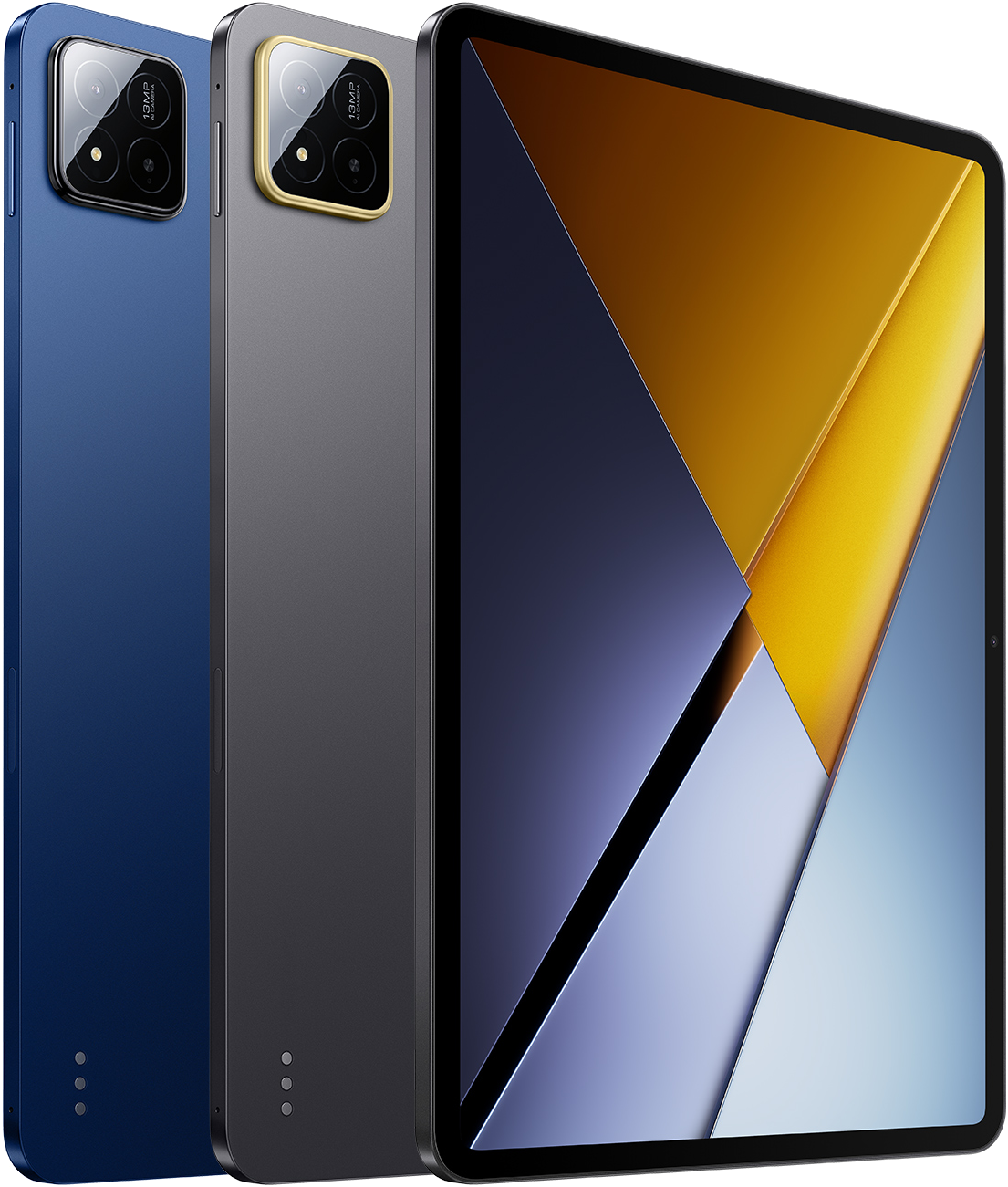
Official manufacturer render.
POCO
Pad X1
- 11.2-inch
- Snapdragon 7+ Gen 3
- 500 g
- 8850 mAh
- From $399
Physical specifications
11.2"
Display size
500 g
Weight
251.2 mm
Height
173.4 mm
Width
6.2 mm
Thickness
—
Aspect ratio
Everyday usability
Estimated from device dimensions and weight.
Handling
Two-handed preferredTwo-handed use is generally the more natural way to hold this device.
Bag portability
LimitedNot intended for pocket carry; plan on a bag, sleeve, or hand carry.
Carry comfort
BalancedWeight sits in a balanced range for everyday holding and carrying.
Reading and media
A familiar tablet size for reading, browsing, and video.
Gaming
SuitableIts hardware should handle most modern games, though demanding titles may benefit from adjusted settings.
See its real size next to another phone or tablet.
Open size comparisonDisplay
- Display size
- 11.2"
- Display technology
- LCD
- Resolution
- 3200 × 2136
- Refresh rate
- 144 Hz
- Peak brightness
- 800 nits
Performance
- Chipset
- Snapdragon 7+ Gen 3
- RAM
- 8 GB
- Storage
- 512 GB
- Expandable storage
- No
Battery & charging
- Typical capacity
- 8850 mAh
- Wired charging
- 45 W
- Charging standard
- 45W charging
Cameras
- Rear cameras
- Wide · 13 MP · PDAF
- Front cameras
- Front · 8 MP
- Video recording
- 4K@30fps, 1080p@30fps, 1080p@60fps
Connectivity
- Wi‑Fi
- Wi‑Fi 6E
- Bluetooth
- Bluetooth 5.4
- USB
- USB‑C 3.2 Gen 1
POCO Pad X1 User Experience
An editorial summary of recurring POCO Pad X1 ownership themes — 11.2-inch 3:2 3200×2136 144Hz LCD with Dolby Vision and wet touch, Snapdragon 7+ Gen 3 with 8GB LPDDR5X, 8850mAh and 45W charging, 500g at 6.18mm, Wi-Fi 6E, USB 3.2 Gen 1, HyperOS 2/3 on Android 15/16, optional Focus Pen and Floating Keyboard, face-unlock-only biometrics, Xiaomi Pad 7 hardware cousin context, and how it compares with Pad M1 and Redmi tablet tiers.
Release and pricing
- Released
- November 26, 2025
- Starting price
- $399
- Market
- Global
- Configuration
- 8 GB + 512 GB
Buying guide FAQ
Practical upgrade and buying answers based on published specifications and previous-generation comparisons when available.
Is POCO Pad X1 (2025) good for note taking?
Its 11.2 in display gives enough room for handwriting and split notes. Stylus support is not confirmed in this catalog, so this answer is based on screen size and handling context only.
Is POCO Pad X1 (2025) good for drawing?
A 11.2 in panel at 144 Hz is a solid published baseline for sketching and illustration fluidity. This is inferred from display specs only; pressure-sensitive stylus features are not listed here.
Is POCO Pad X1 (2025) suitable for students?
Its relatively portable 11.2 in size suits lectures, reading, and bag carry. Suitability still depends on software, storage needs, and accessories, which vary by course work.
Which users is POCO Pad X1 (2025) best suited for?
POCO Pad X1 (2025) is best suited for buyers who want a balanced everyday tablet. That conclusion follows from size class and available generation differences, not from user reviews.
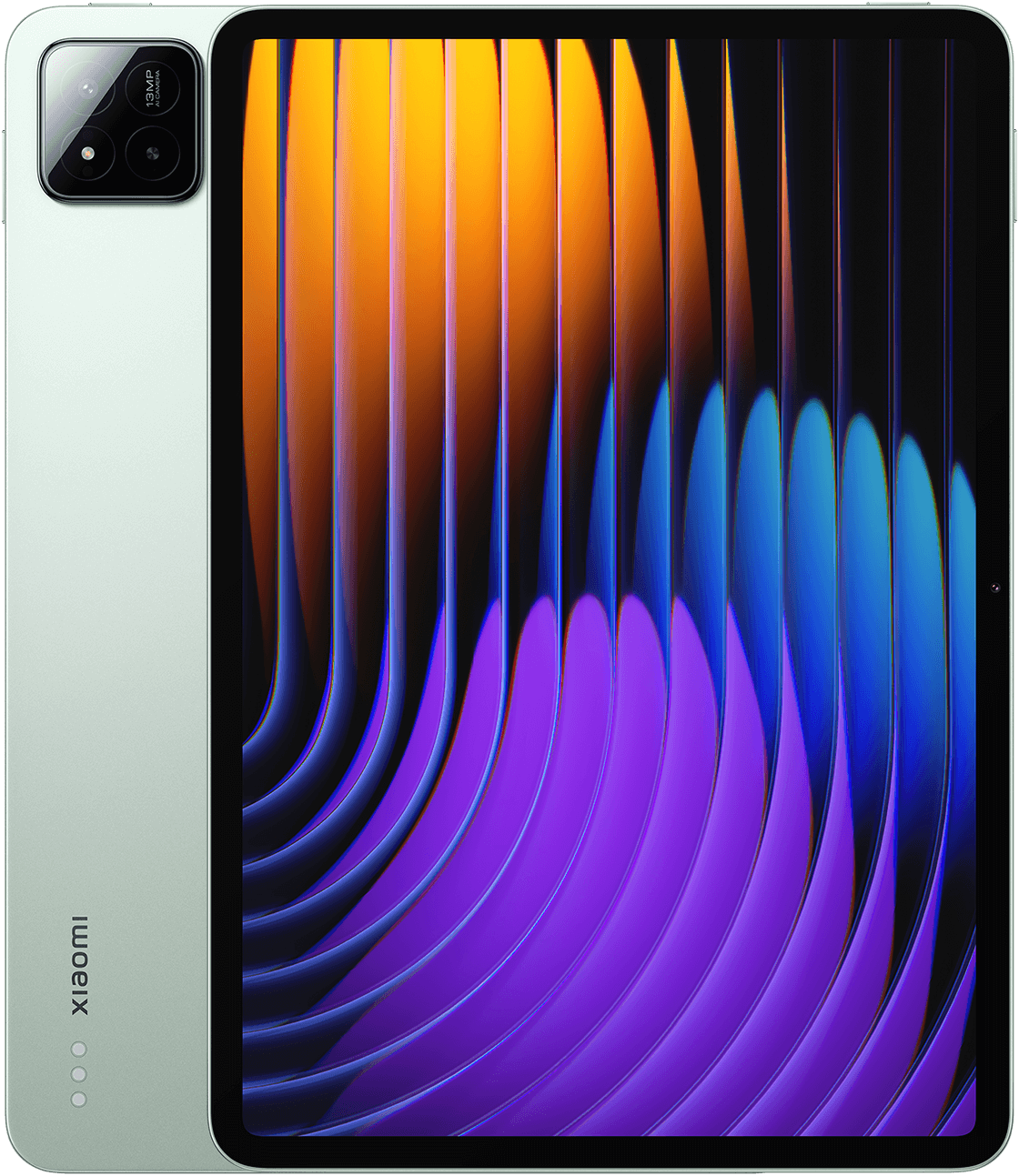
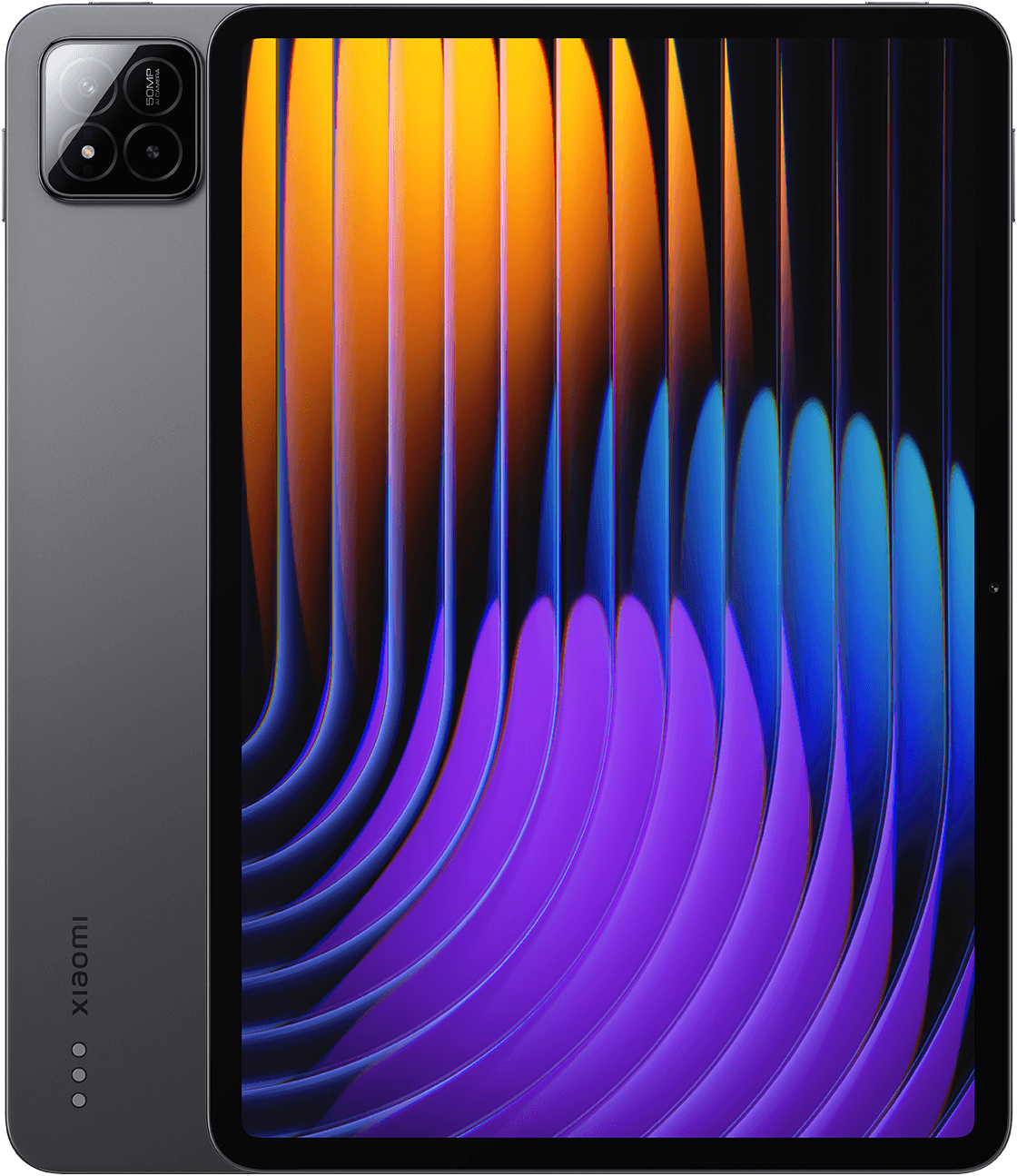
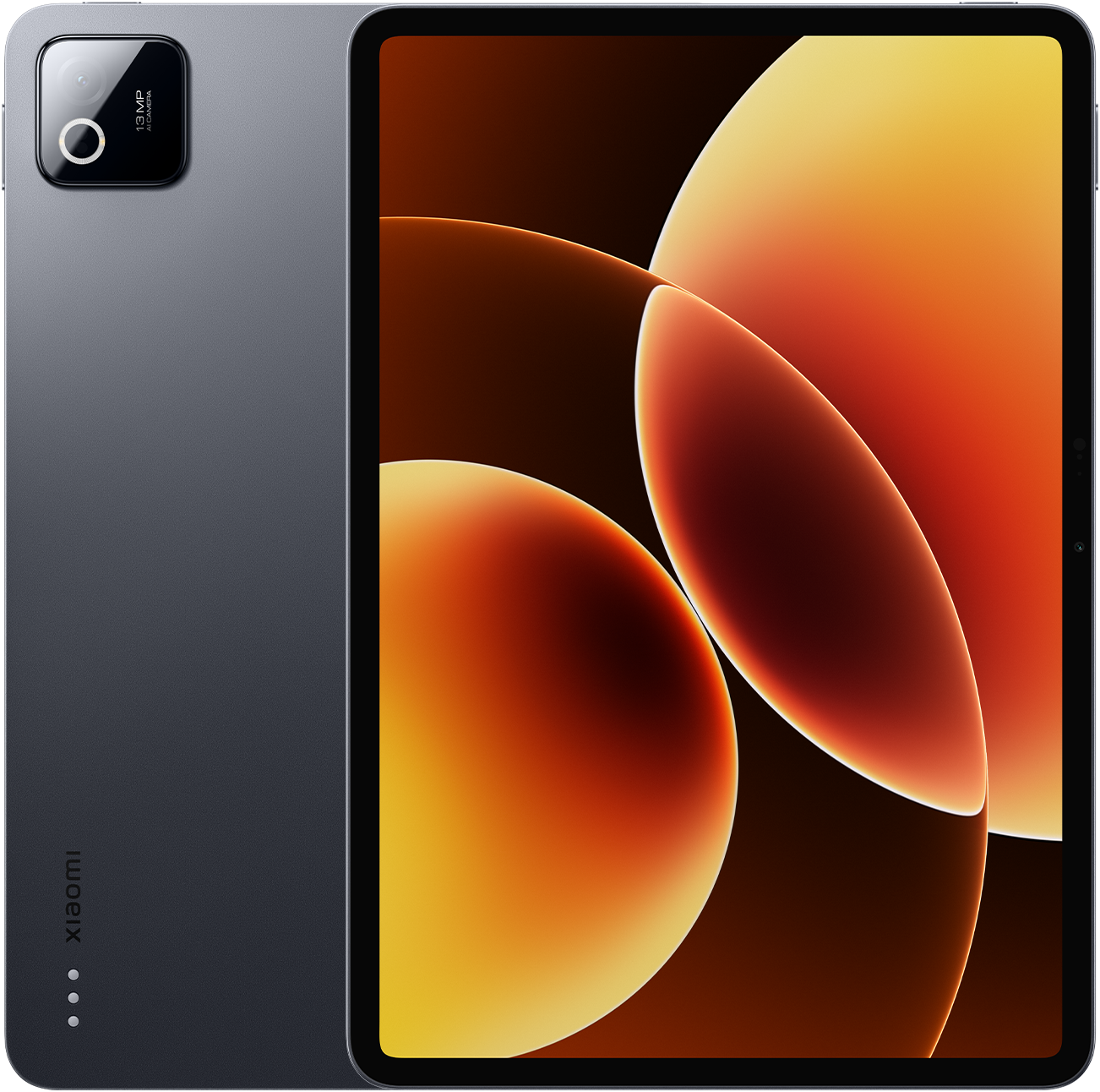
Similar size devices
Models and configurations
- Storage
- 512 GB
- Colors
- `poco-pad-x1`
- RAM
- 8 GB
Official sources
Dimensions and specifications are based on manufacturer-published data. Learn more in our Methodology