iPad Pro 13 M5 User Experience
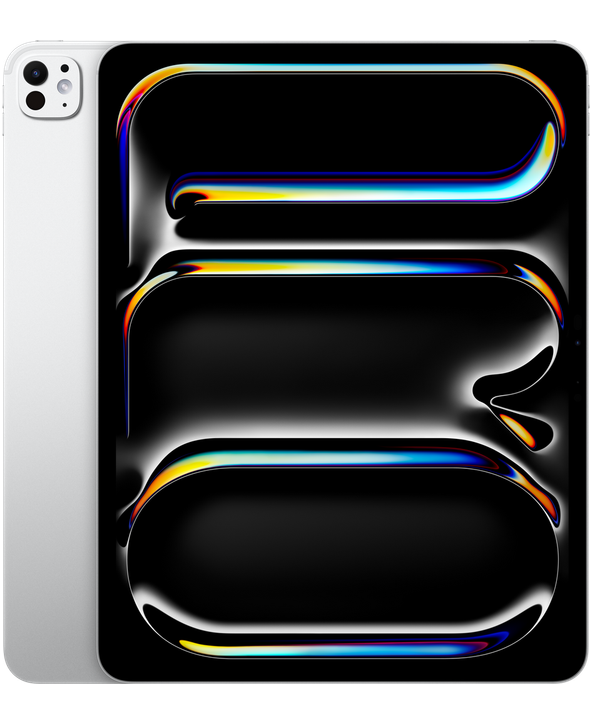
Sizometry Verdict
Editorial scores based on recurring themes across professional reviews, hands-on testing, and expert analysis.
Overall user experience
9.0
out of 10
The same stunning 13-inch tandem OLED tablet Apple perfected with M4, now with M5 headroom, 12GB base RAM, and iPadOS 26 polish — a compelling large canvas for upgraders from older Pros, but an incremental step for satisfied M4 owners facing laptop-class accessory costs and single-port hub life.
Category scores
Camera
6.5
Functional document and meeting cameras for tablet workflows without competing as a primary imaging tool.
Battery and charging
7.5
Capable mixed-use endurance despite larger panel draw, with faster charging helping heavy creative days.
Performance
9.5
Fast routine use with occasional warmth under sustained load.
Handling and portability
5.5
Manageable daily carry with familiar reach and pocket trade-offs for the size class.
Build quality
8.5
Remarkable thin large-format craftsmanship with nano-texture option; sleeve or case recommended for commute peace of mind.
Value
7.5
Balanced capability for the price with deliberate omissions versus higher tiers.
Strengths
- Class-leading large tandem OLED workspace unchanged and still best-in-class for visual professionals
- M5 performance and 12GB base RAM improve export, AI, and multitasking headroom
- iPadOS 26 makes 13-inch windowed workflows more credible than prior releases
- Strong upgrade path from M1 12.9-inch iPad Pro generations
Weaknesses
- Incremental update over M4 with little physical or display change
- Limited one-handed and casual portability versus smaller tablets
- Single USB-C port, hub dependency, and accessory costs near laptops
- 13-inch Magic Keyboard lap balance can feel top-heavy
Best for
- Creative professionals needing maximum on-device canvas with modern RAM and silicon
- Upgraders from 12.9-inch iPad Pro M1 or earlier
- Lap and desk typists who accept 13-inch keyboard ergonomics for screen area
- Glare-sensitive office users choosing nano-texture glass
Less suitable for
- Satisfied iPad Pro 13-inch M4 owners seeking a transformative refresh
- Minimalist travelers prioritizing smallest pro carry footprint
- Casual media consumers unlikely to use Pencil or keyboard
- Users needing frequent one-handed portrait interaction
Upgrade recommendation
Current device: iPad Pro 12.9-inch M1 or older
Recommendation: Strongly recommendedNotes: OLED tandem display, meaningful weight reduction, 12GB RAM, M5 speed, Pencil Pro, and iPadOS 26 address the clearest large-iPad pain points.
Current device: iPad Pro 12.9-inch M2
Recommendation: Worth consideringNotes: Strong for OLED, RAM, and software seekers; optional for satisfied M2 owners with current accessories.
Current device: iPad Pro 13-inch M4
Recommendation: Depends on prioritiesNotes: Skip unless memory limits, export bottlenecks, or AI workloads routinely stress M4 hardware.
Current device: iPad Pro 11-inch M5
Recommendation: Depends on prioritiesNotes: Upsize when canvas, split-view timelines, and document review matter more than handheld portability.
Current device: iPad Air 13-inch M3 or M4
Recommendation: Depends on prioritiesNotes: Justified for HDR OLED, 120Hz ProMotion, Pencil Pro, nano-texture, and M5 headroom; less so for light reading-only use.
Current device: MacBook Pro 14-inch as only computer
Recommendation: Worth consideringNotes: Excellent creative companion when accessory spend is budgeted; full Mac replacement only for narrowly iPad-native professions.
Bottom line
The iPad Pro 13-inch M5 is the large canvas many visual professionals already loved on M4, now with more breathing room under the hood. OLED brilliance, M5 speed, 12GB base memory, and iPadOS 26 windowing combine into a mobile studio that still feels willing to travel — especially for owners escaping M1-era 12.9-inch hardware. Magic Keyboard desk credibility and Pencil Pro precision make all-day creative and writing sessions plausible without constantly reaching for a MacBook. Trade-offs are explicit: not a one-handed couch tablet, bag bulk exceeds 11-inch life, lap keyboard use can feel top-heavy, and satisfied M4 buyers may see little reason to jump. Buyers who live in illustration, editing, and mobile typing at scale will find the size essential; buyers coming from M4 or wanting the lightest pro kit should look smaller unless workspace and RAM headroom are non-negotiable.
See its real size next to another phone or tablet.
Open size comparisonOverview
Across professional reviews and early owner discussions, the iPad Pro 13-inch M5 is is often seen as as Apple's most capable large-format creative tablet — a device whose appeal still centers on screen real estate, tandem OLED fidelity, and M5 horsepower rather than pocketable convenience. reports frame it as a mobile studio for illustrators, editors, and knowledge workers who want a cinematic canvas that travels lighter than many prior 12.9-inch generations felt in daily carry, now with more memory headroom and software maturity than the M4 generation launched with.
This summary focuses on daily handling, endurance, camera limits, and who the device suits best — not benchmark rankings.
Daily use
In daily use, the 13-inch M5 is often described as fast, immersive, and well suited to visually dense workflows. App launches, large Photoshop documents, multi-track video timelines, and 3D scene navigation benefit from the M5 chip and the additional screen area that keeps tool palettes and canvases visible simultaneously — a comfort rarely matched on 11-inch hardware without constant zooming. Reviewers note that routine browsing and note-taking feel similar to M4, while export, AI-assisted editing, and heavy Stage Manager stacks show clearer gains.
Media consumption feels cinematic rather than merely convenient. HDR films, graphic novels, sheet music, and PDF markup benefit from OLED contrast and size. Owners who use the tablet as a primary bedside or sofa screen describe reduced desire to reach for a laptop for evening viewing, though one-handed holding is limited to short stretches compared with smaller tablets.
Productivity on iPadOS 26 at 13 inches receives more positive sentiment than on smaller models because Stage Manager, free-form windowing, and split views have room to breathe. Writers keep notes beside manuscripts; editors park timelines above browser references; architects display drawings next to specification PDFs. Remaining friction clusters around niche pro software, bulk file operations, and workflows that still export to macOS for final packaging.
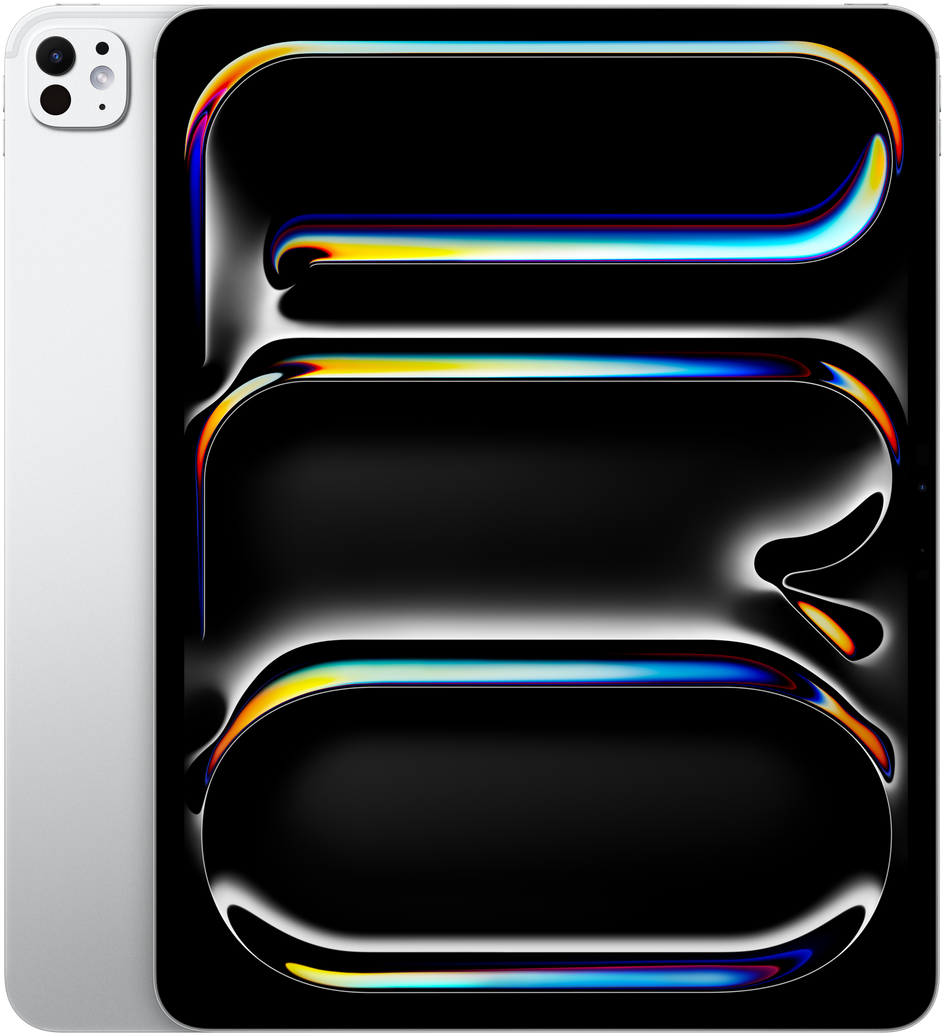
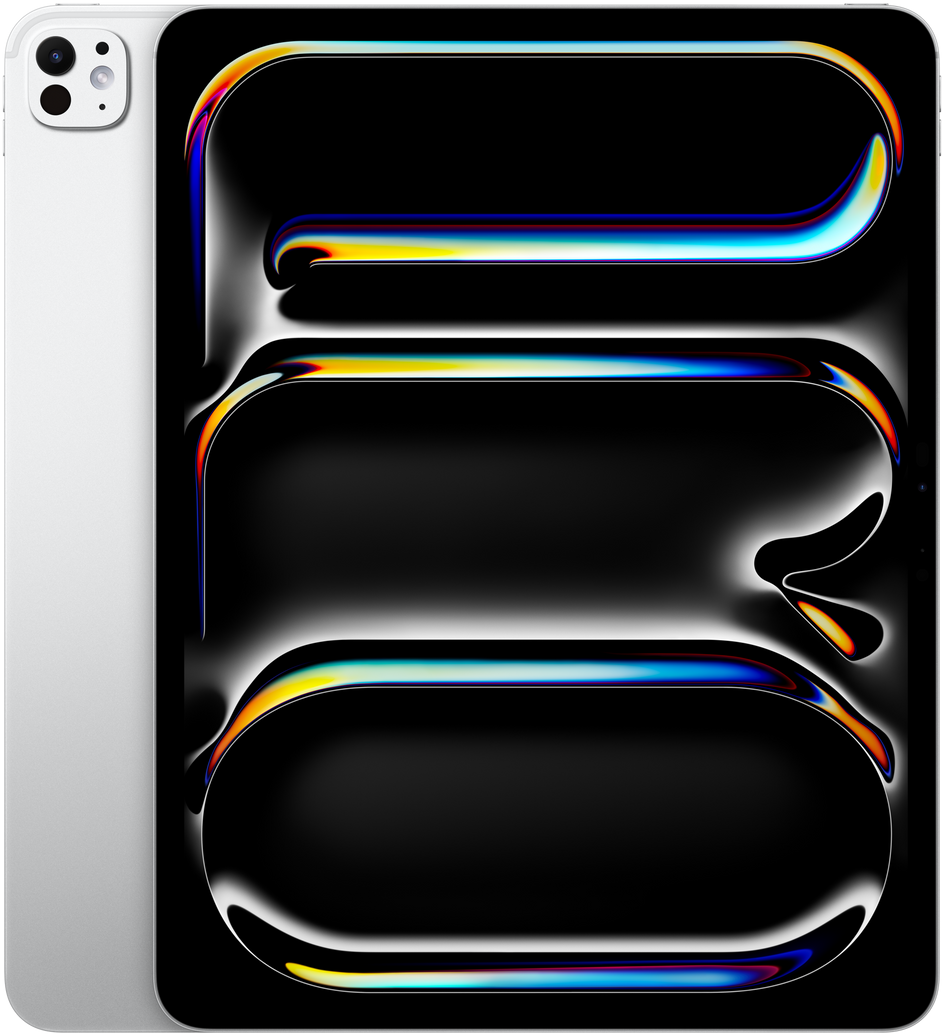
iPad Pro 13 M5
View the full specifications, dimensions, pricing, and related models.
Camera
Camera capability remains ancillary on the 13-inch M5, as on other iPad Pro models. The 12MP rear wide and 12MP landscape front sensors are regarded as practical for document capture, location scouting snapshots, and video calls rather than creative photography primary tools.
Landscape front-camera placement continues to earn praise for desk-based and kitchen-counter video calls where the large screen doubles as a meeting monitor. Center Stage framing helps solo presenters and small group discussions without constant manual reframing — a workflow benefit that office-heavy owners mention more often than raw image quality.
Battery and charging
Typical daily reports describe solid endurance for large-screen creative routines when brightness stays moderate: note-taking, illustration, browsing, meetings, and intermittent video export. Heavy outdoor brightness, dual-app Stage Manager with external display, and long 4K editing sessions more commonly require midday charging or evening top-ups.
The 13-inch panel draws more power than the 11-inch model in comparable workflows, which owners acknowledge as an expected trade for workspace. M5 efficiency and faster charging — roughly half charge in about 30 minutes with a sufficiently powerful adapter — keep all-day mixed use credible for many professionals, especially when desk workflows include pass-through charging through hubs.
Performance
Large-file creative workloads are where the 13-inch M5 earns consistent performance praise. Multi-layer illustration, RAW photo editing, 4K multicam timelines, and complex 3D scenes run smoothly in owner accounts, with the M5 chip described as comfortably ahead of current iPadOS app demands for most visual professions and meaningfully faster than M4 in GPU-heavy and AI-assisted tasks.
The jump to 12GB base RAM is one of the most discussed M5 improvements at 13 inches. Owners and reviewers describe fewer background app reloads, more comfortable Stage Manager stacks, and less hesitation opening large Photoshop documents on entry configurations. 16GB models remain the recommendation for simultaneous external-display mirroring, heavy multitasking, and future AI workloads, but the base tier no longer feels as immediately tight as 8GB M4 units did for large-canvas work.
Handling and portability
At 215.5 mm wide, 281.6 mm tall, and 579 g, the iPad Pro 13-inch M5 is not a one-handed phone replacement — and owners rarely pretend otherwise. Brief portrait carrying between rooms is possible for short distances, but sustained single-hand use is limited to quick glances, page flips, or resting the tablet against a forearm while standing.
Portrait one-handed interaction is most realistic for reading and passive consumption when the user accepts frequent grip shifts. Thumb reach covers only the lower third for many hand sizes; reaching upper controls or typing still demands two hands or a surface. Compared with older 12.9-inch models, the lighter M4-era chassis makes these short handheld moments less punishing, which owners migrating from prior generations mention as a subtle daily relief that carries forward unchanged on M5.
Landscape cradling for video is more comfortable than portrait for many users, though sessions beyond 15–20 minutes typically move to a stand or table. Magic Keyboard users treat the combo as lap-oriented, not wand-like, and frequently note that the 13-inch keyboard assembly feels top-heavy when typing on a couch compared with the 11-inch pairing.
Build quality
The 13-inch unibody shares the M4 generation's ultra-thin aluminum craftsmanship and premium tactile finish. Owners admire the engineering required to house a large tandem OLED stack at 5.1 mm, paired with recurring caution about bending or pressure in crowded bags without rigid protection.
Nano-texture glass trades smudge visibility for glare relief under studio lights; standard glass buyers praise punchier HDR contrast. Pencil Pro attachment stays secure in travel accounts, and accessory compatibility with M4-era Magic Keyboard and Pencil Pro reduces upgrade friction for returning Pro owners.
Considering another iPad Pro (M5) model?
Similar size devices


This summary is based on recurring reports from public discussions.