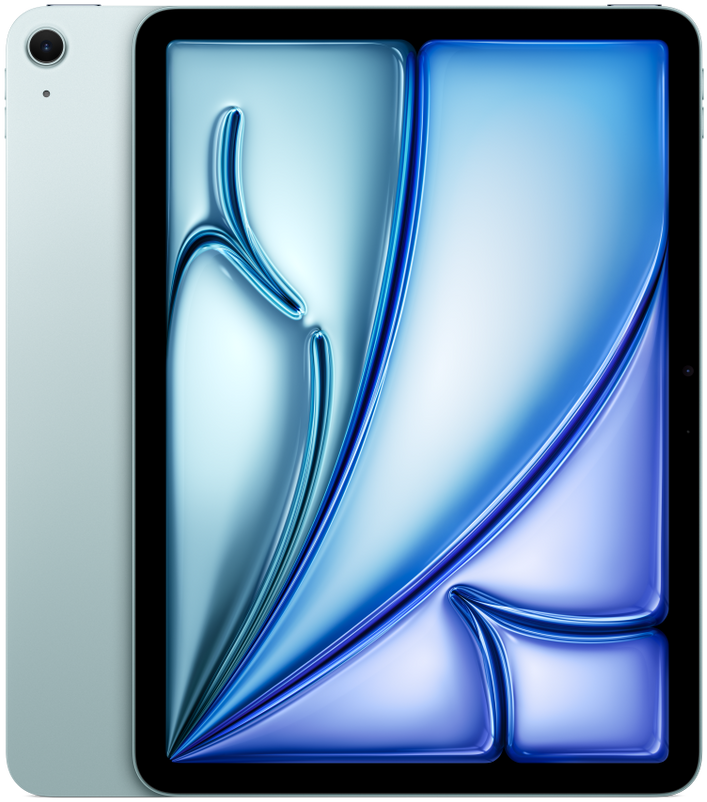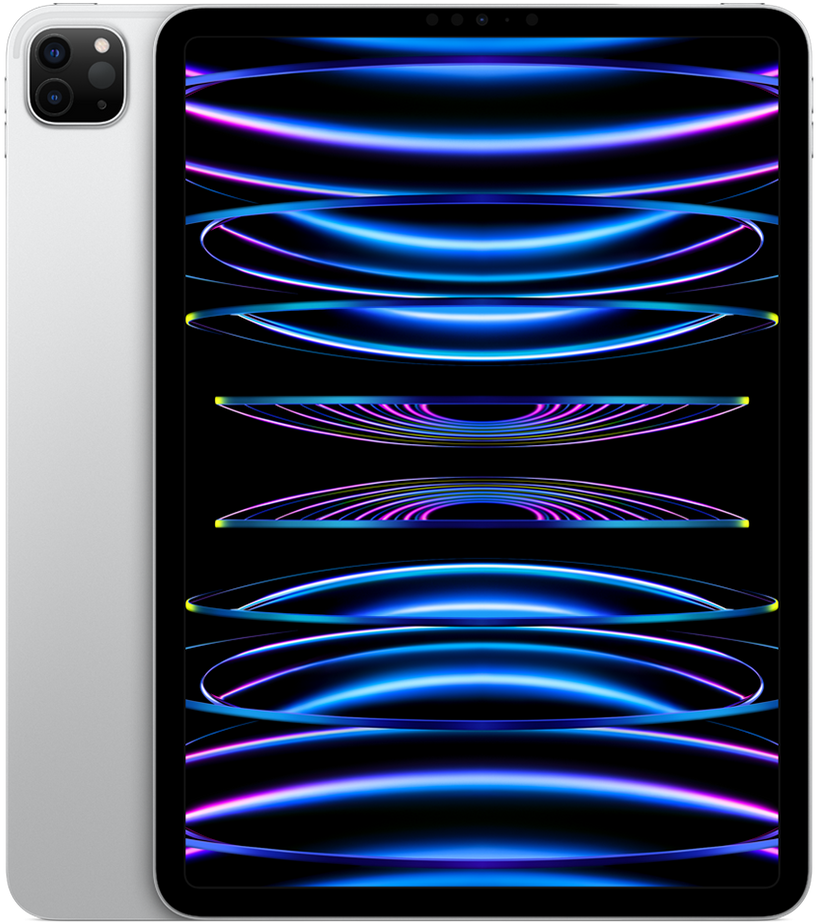
Official manufacturer render.
Apple
iPad Air 11 M4
- 11-inch Liquid Retina
- Apple M4 · 9-core CPU
- 464 g
- From $599
Available colors
Selected: Blue
Physical specifications
11"
Display size
464 g
Weight
247.6 mm
Height
178.5 mm
Width
6.1 mm
Thickness
—
Aspect ratio
Release and pricing
- Announced
- March 4, 2026
- Released
- March 11, 2026
- Starting price
- $599
- Market
- US
- Configuration
- 128 GB Wi‑Fi
Display
- Display size
- 11"
- Display technology
- Liquid Retina IPS
- Resolution
- 2360 × 1640
- Refresh rate
- 60 Hz
- Peak brightness
- 500 nits
- Protection
- Fingerprint-resistant oleophobic coating
Performance
- Chipset
- Apple M4
- CPU
- 9-core CPU
- GPU
- 10-core GPU
- RAM
- 8 GB, 16 GB
- Storage
- 128 GB, 256 GB, 512 GB, 1024 GB
- Expandable storage
- No
Cameras
- Rear cameras
- Wide · 12 MP · ƒ/1.8
- Front cameras
- Landscape · 12 MP · ƒ/2.4
- Video recording
- 4K video recording at 24, 25, 30, or 60 fps
Build & durability
- Frame
- Aluminum
- Back
- Aluminum
- Ingress protection
- None published
Connectivity
- Cellular
- Wi‑Fi, Wi‑Fi + Cellular (5G)
- Wi‑Fi
- Wi‑Fi 6E (802.11ax)
- Bluetooth
- Bluetooth 5.3
- USB
- USB-C
- NFC
- No
- eSIM
- Yes
Sources and measurement notes
Sizometry compares published specifications and calculates differences. These are not hands-on measurements or tests of comfort, performance or pocket fit.
Check the exact model, year, region and configuration on the linked page. References may cover several variants. Folded and unfolded dimensions differ; cases and camera protrusions may change the space a device needs. Drawings share a relative scale and are not calibrated to life size on your screen.
Sizometry Analysis
Overall Score
8.0
out of 10
A portable, dependable iPad Air with strong daily fundamentals and the clearest appeal for older-iPad upgraders, is often seen as as the best iPad for most people despite a chip-only refresh and an unchanged 60Hz LCD and accessory story.
Category scores
Camera
7.0
Adequate document scanning and strong front-camera Center Stage for calls, with rear imaging treated as utility rather than a strength.
Battery and charging
8.5
Reliable all-day endurance for moderate tablet use with no reported regression from the M3 generation despite faster silicon.
Performance
8.5
Fast routine use with occasional warmth under sustained load.
Handling and portability
8.5
Manageable daily carry with familiar reach and pocket trade-offs for the size class.
Build quality
8.0
Solid aluminum chassis and refined finishes, with unchanged display and accessory ecosystem as the main recurring debate.
Value
8.0
Balanced capability for the price with deliberate omissions versus higher tiers.
Strengths
- Portable 11-inch size with excellent handheld comfort
- Reliable all-day battery for typical study and media use
- M4 silicon and 12GB RAM for multi-year software confidence
- is often seen as as the best iPad for most buyers
Weaknesses
- Chip-bump update over M3 with same 60Hz display and accessories
- Benchmark gains rarely felt in everyday iPadOS use
- 60Hz LCD unchanged since 2020 — common criticism versus Pro tablets
- Touch ID instead of Face ID; older Magic Keyboard design persists
Best for
- Buyers prioritizing portable 11-inch handling and bag fit
- Upgraders from older iPads seeking M4 speed, 12GB RAM, and Pencil Pro
- Students and casual creators satisfied with 60Hz LCD
- Shoppers who value future-proofing RAM and connectivity over display leaps
Less suitable for
- M3 or M2 Air owners expecting a meaningful daily upgrade
- Display enthusiasts expecting 120Hz or OLED at Air pricing
- Power users who need Thunderbolt, Face ID, and Pro keyboard designs
- Budget buyers when discounted M3 Air units are available
Upgrade recommendation
Current device: Base iPad or Air 4 and older
Recommendation: Strongly recommendedNotes: M4 speed, 12GB RAM, Wi-Fi 7, Pencil Pro support, and modern iPadOS features address multi-generation pain points.
Current device: iPad Pro models before M1
Recommendation: Strongly recommendedNotes: Efficiency, RAM headroom, accessory compatibility, and software longevity still feel meaningful compared with aging Pro hardware.
Current device: M1 Air generation
Recommendation: Worth consideringNotes: Meaningful RAM and connectivity future-proofing but not dramatic daily gains; strongest when sales on M3 do not undercut M4 pricing.
Current device: M3 or M2 Air generation
Recommendation: Probably unnecessaryNotes: Same display, design, Touch ID, and accessories with incremental silicon — owners rarely describe a must-upgrade case.
Current device: 13-inch Air or Pro owners seeking portability
Recommendation: Worth consideringNotes: Handheld and bag benefits frequently outweigh lost screen area for users overstretched by larger tablets.
Current device: Shoppers comparing to iPad Pro 11-inch
Recommendation: Depends on prioritiesNotes: Air wins on price and weight; Pro wins on 120Hz OLED, Face ID, Thunderbolt, and floating keyboard unless portability and value dominate.
Everyday usability
Estimated from device dimensions and weight.
Handling
Two-handed preferredTwo-handed use is generally the more natural way to hold this device.
Bag portability
LimitedNot intended for pocket carry; plan on a bag, sleeve, or hand carry.
Carry comfort
BalancedWeight sits in a balanced range for everyday holding and carrying.
Reading and media
A familiar tablet size for reading, browsing, and video.
Gaming
High-endIts processor and graphics hardware are suited to demanding games and higher visual settings.
Bottom line
The iPad Air 11-inch M4 earns respect through portable, comfortable daily use and dependable core performance rather than display or accessory leadership. Reviewers consistently call it the best iPad for most people — not because it surprises, but because it balances price, Pencil Pro support, and all-day battery in a manageable 11-inch body. The dominant trade-off in buyer discussions remains the chip-bump nature of the update: M4, 12GB RAM, N1 Wi-Fi 7, and C1X cellular are real improvements, yet the 60Hz LCD, Touch ID, and Magic Keyboard story is unchanged from M3 and largely unchanged since 2020. Benchmark gains of 20–25 percent CPU rarely register in daily use, making M3 and M2 Air owners sensible holdouts. Shoppers upgrading from older iPads gain the clearest benefits; recent Air owners should treat M4 as optional unless RAM and connectivity future-proofing justify the premium.
Models and configurations
- Storage
- 128 GB256 GB512 GB1 TB
- Connectivity
- Wi‑FiWi‑Fi + Cellular (5G)
- Colors
- BluePurpleStarlightSpace Gray
- RAM
- 8 GB16 GB
- SIM configuration
- eSIM
Compare this device at its real-world size.
Use the Sizometry Tool to compare dimensions, thickness, and weight with other devices.
Open Tool →