Insights
GUIDE
Confirmed
Galaxy Z Flip 8 vs Flip 7 Camera: Is It Better?
Compare Galaxy Z Flip 8 vs Flip 7 camera hardware, photo quality, night shots, video, and AI features — and decide if the camera upgrade is worth it.
Overview
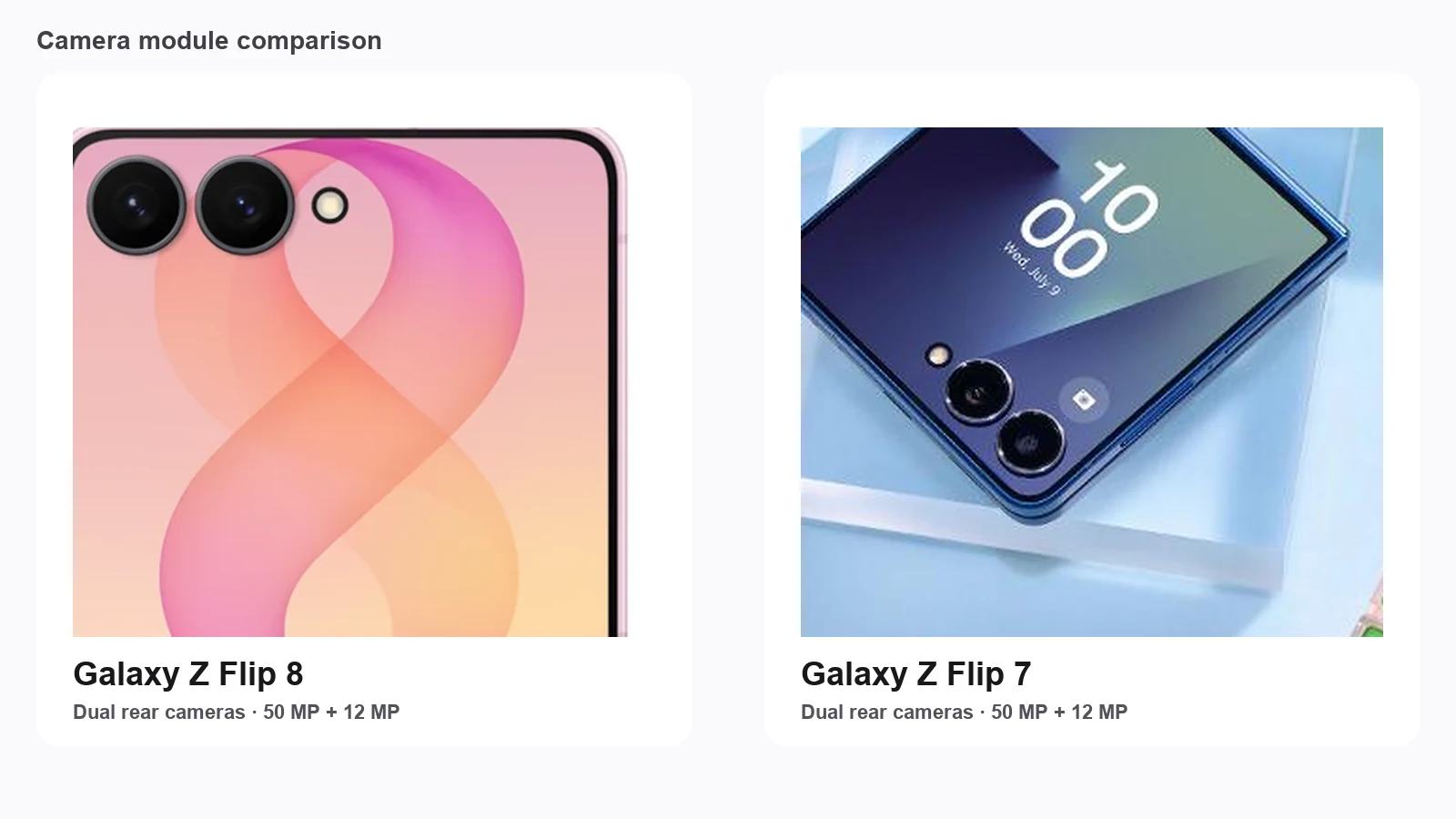
Buyers researching Galaxy Z Flip 8 photo quality often expect a new main sensor, a brighter ultrawide, or a telephoto. Official specs do not deliver that leap. Both phones use a 50 MP wide with optical image stabilization, a 12 MP ultrawide, and a 10 MP inner selfie camera. This guide treats confirmed hardware as shared, then separates software, image processing, AI features, and video improvements Samsung emphasizes on Flip 8.
Those layers matter on a Flip. The cover display turns the rear cameras into a selfie and vlogging system, Flex Mode enables hands-free framing, and Horizon Lock, Mirror view, Camcorder Grip habits, and Gallery AI can change the shoot even when megapixels stay still. Pair this with the Galaxy Z Flip 8 and Galaxy Z Flip 7 device pages, then open the Galaxy Z Flip 8 vs Galaxy Z Flip 7 comparison when size, battery, and price belong in the same decision.
Explore device details
Camera Specifications
Start with the sheet most shoppers check first. In a Galaxy Z Flip 8 camera comparison against Flip 7, the headline numbers are the same.
• Spec | Galaxy Z Flip 8 | Galaxy Z Flip 7 • Main camera | 50 MP wide, f/1.8, Dual Pixel AF, OIS, 2x optical-quality zoom | 50 MP wide, f/1.8, Dual Pixel AF, OIS, 2x optical-quality zoom • Ultrawide camera | 12 MP, f/2.2, about 123° field of view | 12 MP, f/2.2, about 123° field of view • Selfie camera | 10 MP inner selfie, f/2.2 | 10 MP inner selfie, f/2.2 • Cover preview advantage | FlexWindow preview for rear-camera selfies and checks | FlexWindow preview for rear-camera selfies and checks • Dedicated telephoto | None | None
Main camera
The main camera remains the workhorse for daylight, portraits, social posts, and most video. Confirmed hardware parity means Flip 8 does not buy a larger sensor or a new optical zoom lens versus Flip 7. Any visible Galaxy Z Flip 8 photo quality change should come from processing, exposure tuning, and AI scene handling — not a new primary module.
Ultrawide camera
The ultrawide stays a 12 MP companion for groups, interiors, and landscape context. Expect familiar traits on both phones: more edge distortion, softer corners than the main lens, and a steeper drop once light falls. It is useful, but it is not this generation’s differentiator.
Selfie camera
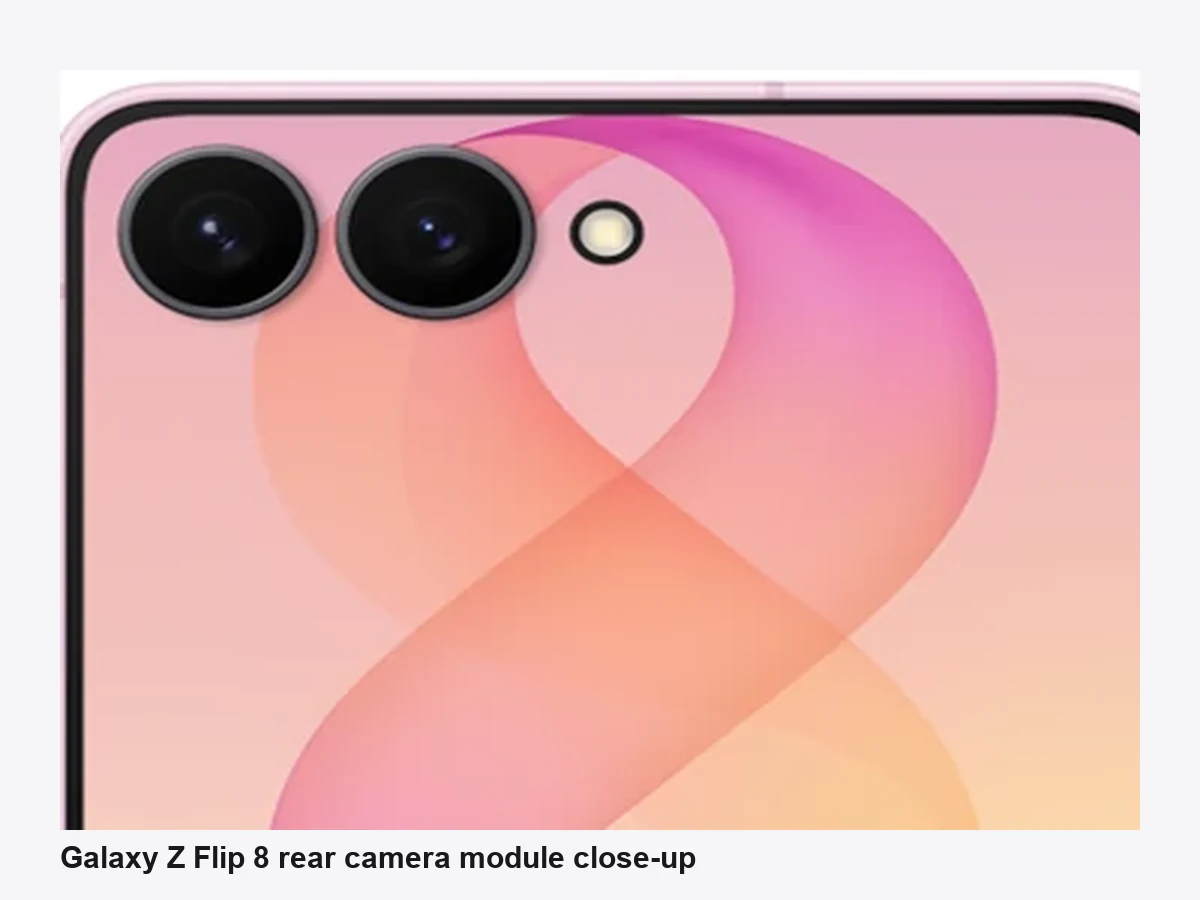
The 10 MP inner selfie handles unfolded selfies and many video calls. The Flip design still matters more than the front sensor alone: closed, you can frame on the cover display and shoot with the stronger rear cameras. That dual-path selfie story is shared; Flip 8’s ProVisual Engine claims and Mirror view polish aim to improve the experience around the same sensors.
See the full specification comparison for Galaxy Z Flip8 vs Galaxy Z Flip7.
Compare Galaxy Z Flip8 vs Galaxy Z Flip7Daylight Photos
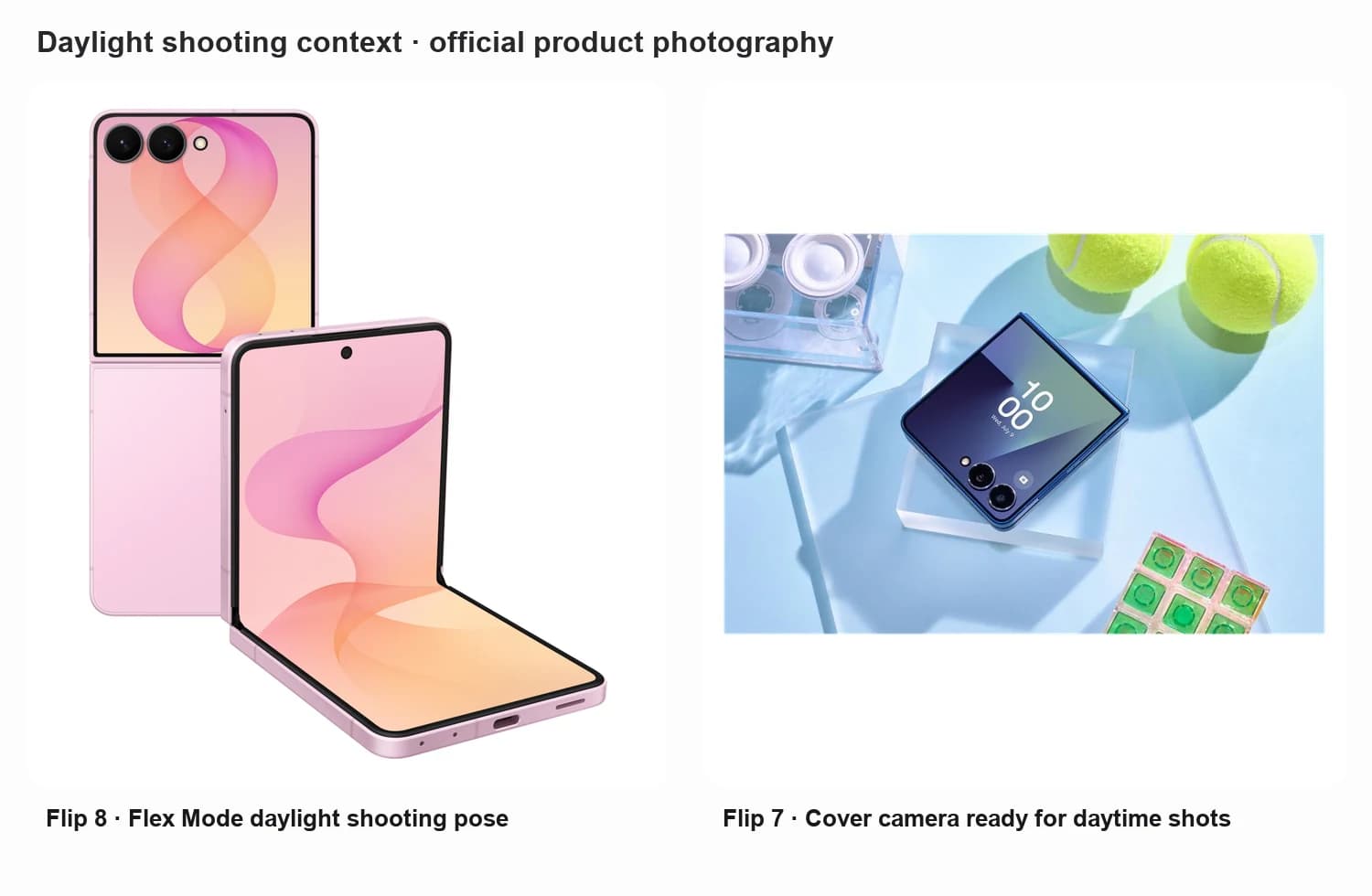
In good light, both phones should look competent for social and everyday shooting. Main-camera detail is typically strong enough for sharing, light crops, and small prints. Dynamic range and HDR decide whether bright skies and shaded faces survive together. Color science remains Samsung-leaning: vivid for social feeds without forcing every shot into a Pro Mode look.
Where a Galaxy Z Flip 8 vs Flip 7 camera difference may show up is consistency, not megapixels. Newer processing can refine highlight roll-off, skin rendering, and HDR merges from scene to scene. Those gains matter when they reduce rescue edits, yet they are usually incremental rather than obvious from across a room.
Exposure stays familiar: point-and-shoot modes bias toward bright, shareable results. Enthusiasts who want flatter files will still use Pro controls. Ultrawide daylight remains the weaker sibling on both; the main camera is where most buyers will judge whether the Galaxy Z Flip 8 camera is better in bright conditions.
Night Photography
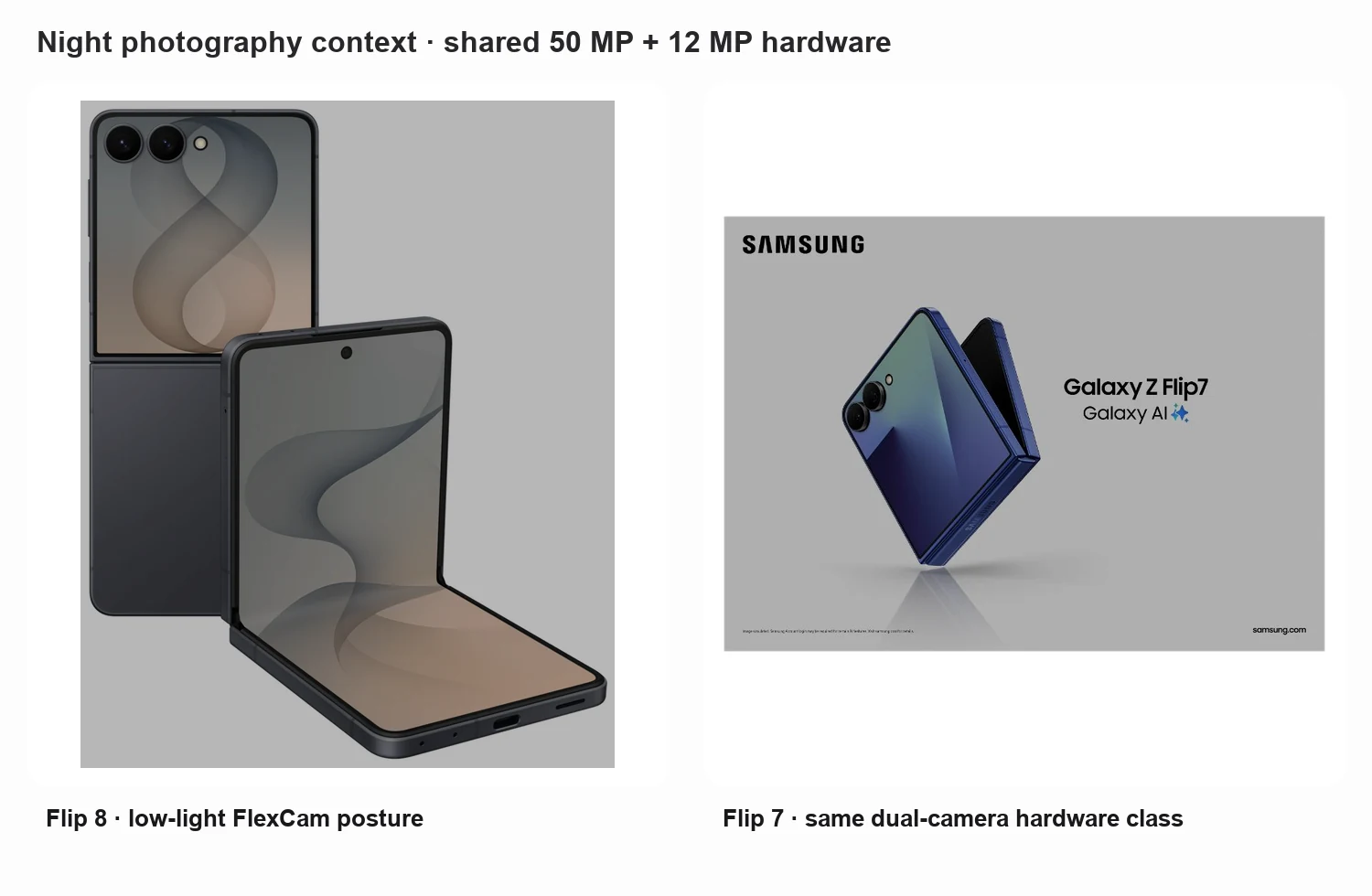
Night is where many phone upgrades earn their keep — and where shared hardware sets a ceiling. Low-light detail, noise, and shadow recovery depend on sensor size, lens brightness, multi-frame stacking, and Night Mode. Because Flip 8 and Flip 7 share the same 50 MP + 12 MP class hardware, expect similar physics: the main camera beats the ultrawide after dark, and hand shake still punishes long exposures.
Night Mode is the practical tool for static scenes on both phones. Motion remains harder — people walking through frame, pets, concerts, nightlife video. Flip 8’s processing and chipset can help merges finish faster or look cleaner in some scenes, but that is not a confirmed larger sensor or brighter optics.
Is the night upgrade meaningful? For Flip 7 owners who already like low-light results, usually not enough alone. For Flip 6 or older owners, Flip 7-class hardware plus newer Flip 8 processing can feel like a clearer step if night social shots are frequent.
Portrait Photography
Portrait results sit between hardware depth cues and software blur. Skin tones, edge detection, and background blur are where processing claims matter most, because neither Flip ships a dedicated portrait telephoto. Indoor portraits stay tougher: mixed lighting, warm bulbs, and busy backgrounds stress both phones.
Samsung positions Flip 8’s 50 MP camera with ProVisual Engine as a more advanced Flip selfie and portrait path, emphasizing natural skin tones, dynamic bokeh, and detail. Treat that as processing and tuning on shared megapixel counts. Edge detection can still slip on hair, glasses, and busy indoor scenes; a few Portrait Mode checks in store lighting beat trusting a launch slide.
Flex Mode helps in a Flip-specific way: the phone can stand for timed group shots or self-framed portraits without a tripod. Flip 7 offers that too, so it is a form-factor advantage more than a Flip 8 exclusive.
Selfie Camera
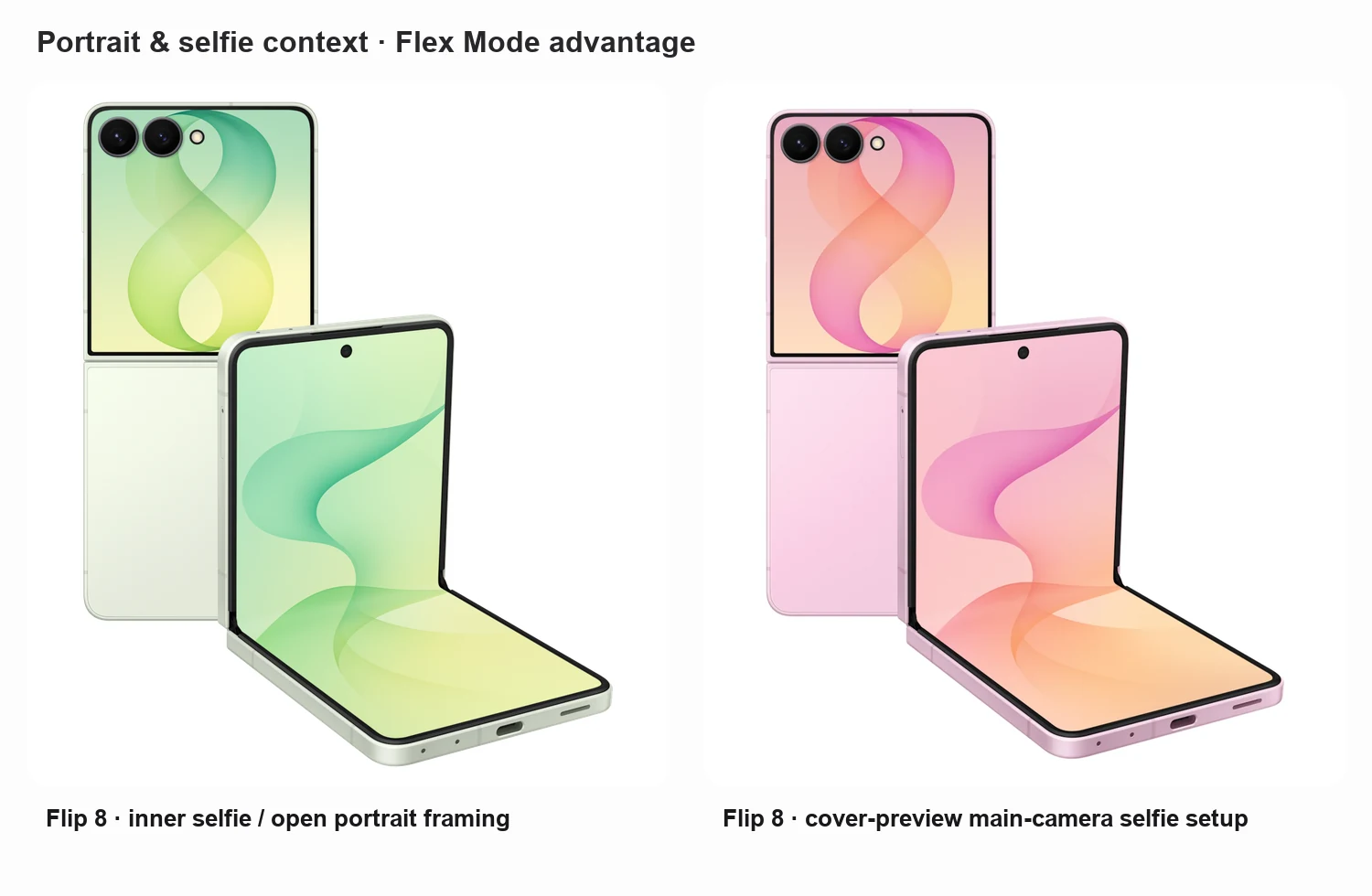
Selfies are where the Flip design earns its reputation. Cover-display selfies use the rear cameras with a FlexWindow preview — usually a clearer win than the 10 MP inner camera alone. Inner selfies remain handy when the phone is open for chat, meetings, or quick unfolded snaps. Video calls typically use the inner camera when you face the main screen unfolded.
Flip 8 adds more mirror-and-preview polish. Mirror view and FlipShot-style cover previews improve framing confidence and expressive mirror selfies, not the front sensor itself. The Flip advantage over a slab shows up when you want rear-camera quality with a cover preview, hands-free Flex Mode shooting, or a compact clamshell for social clips without a gimbal.
Video Recording
Creators should weigh video as carefully as stills. Stabilization, HDR video, low-light video, autofocus, and audio decide whether FlexCam clips feel publishable. Both generations can record capable 4K for social use; Flip 8’s more interesting updates are workflow and stability, not a new cinema sensor.
Super Steady with Horizontal Lock aims to keep FlexCam and selfie video level while you move. Camcorder Grip with Zoom Rocker habits support steadier handheld framing. Main-camera autofocus remains Dual Pixel class on paper for both; focus breathing and low-light hunting still deserve a quick store test if video is a priority. Audio stays smartphone-class — fine for vlogs and stories, not a substitute for an external mic.
Flip 8 is most compelling when you already shoot half-folded: reaction clips, tutorials, travel diaries, and events that benefit from a self-standing phone and cover preview. It is less compelling if you need optical zoom video or Ultra-tier low-light cinema performance.
Open Galaxy Z Flip8 and Galaxy Z Flip7 side by side in the Sizometry size comparison tool.
Open size comparisonZoom Quality
Neither Flip offers a dedicated telephoto. Zoom is digital cropping from the main camera, with 2x optical-quality zoom as the practical clean step on both phones. Beyond that, detail falls as you crop into the 50 MP capture, and ultrawide-to-main transitions can look inconsistent if you punch in too far.
Keep expectations grounded. Moderate social crops are fine; long-range concert or wildlife shots are not the brief. Galaxy Z Flip 8 camera marketing around expressive selfies and FlexCam is not a telephoto upgrade over Flip 7.
AI Camera Features
This is the clearest place to separate AI features from camera hardware. Scene optimization, HDR processing, portrait enhancement, object removal, and Gallery AI editing can change a photo after the shutter without changing the lenses. Flip 8 also leans on My FanCam, which tracks a selected subject in a clip and reframes it for social aspect ratios — useful for concerts, sports, and school events, with digital-crop softness and tracking limits.
AI editing and object removal help rescue busy backgrounds or quick cleanups. They do not turn a dual-camera Flip into an Ultra imaging phone. Treat AI as convenience and consistency: faster useful outputs and occasional nicer skin or HDR merges — still on the same 50 MP + 12 MP foundation as Flip 7.
Should You Upgrade for the Camera?
Recommendations depend on what you own and how picky you are about photos.
Flip 6 owners: Flip 8 can make sense for Flip 7-class cameras plus newer processing, FlexWindow camera conveniences, and a thinner modern Flip. Camera alone is not the whole story, but imaging is part of a broader generation jump.
Flip 7 owners: upgrading mainly for the Galaxy Z Flip 8 camera is hard to justify. Confirmed hardware matches. Prefer Flip 8 when thinness, cover AI, Horizon Lock, Mirror view, or Gallery tools matter more than sensors.
First-time Flip buyers: choose Flip 8 if you want the current FlexCam feature set new. Choose a well-priced Flip 7 if the deal is strong and nearly identical camera hardware is fine.
Casual users: both cover daylight social shots, cover selfies, and occasional Night Mode. Let battery, size, and price decide if photos are not your priority.
Photography enthusiasts: look elsewhere if optical zoom, larger sensors, or Ultra-tier video are non-negotiable. Keep a Flip when Flex Mode creativity and pocketability matter more than absolute capture quality.
Sizometry Verdict
Upgrade for camera reasons if you are coming from an older Flip or a thick slab and want Flip 7-class sensors with Flip 8’s processing and FlexCam workflow. Keep the Galaxy Z Flip 7 if you already like its photos — the Galaxy Z Flip 8 camera is not a hardware redesign, and the camera alone rarely justifies the jump. Buy Flip 8 for the thinner clamshell and smarter shooting software; do not buy it expecting a new main sensor, ultrawide, or telephoto.