iPad mini User Experience
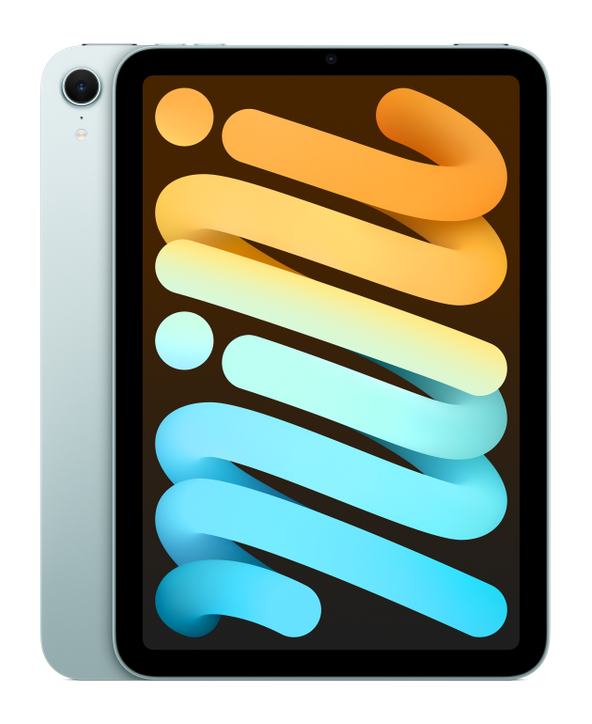
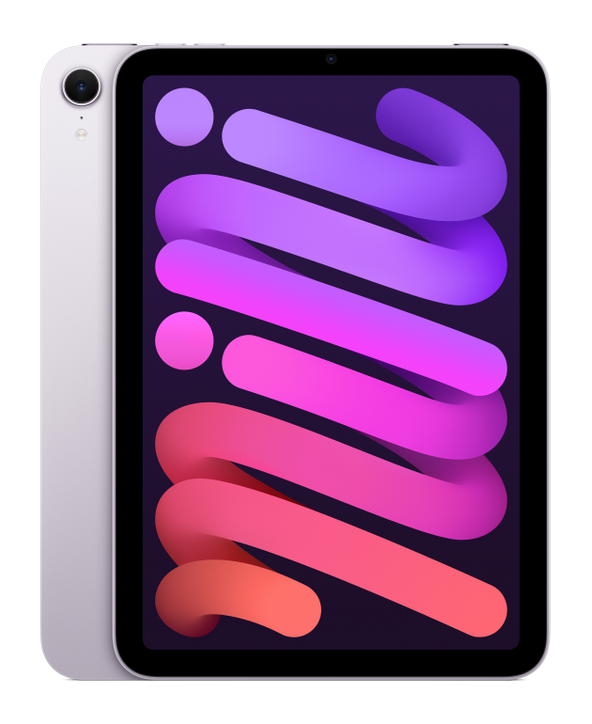
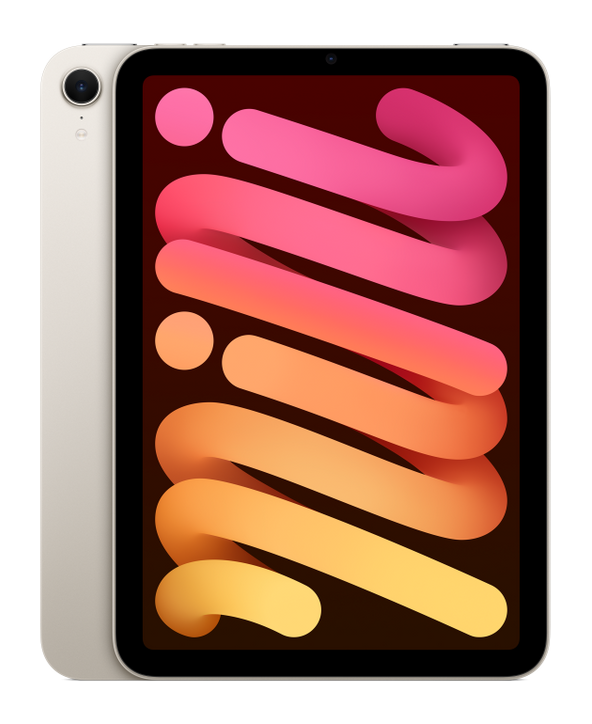
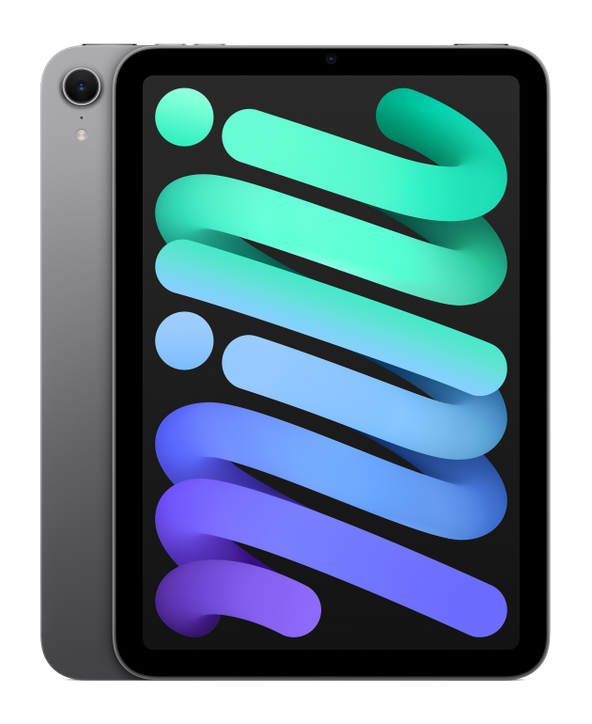
Sizometry Verdict
Editorial scores based on recurring themes across professional reviews, hands-on testing, and expert analysis.
Overall user experience
8.0
out of 10
A superb compact reading and notes companion with A17 Pro headroom and Apple Pencil Pro support, held back in buyer sentiment by its 60 Hz display, thick bezels, and the mismatch when buyers expect Pro-level laptop replacement.
Category scores
Camera
6.5
Adequate for video calls and scanning, with cameras correctly treated as utility features rather than strengths.
Battery and charging
8.0
Reliable endurance for reading and note routines with modest standby drain suited to intermittent carry.
Performance
8.5
Fast routine use with occasional warmth under sustained load.
Handling and portability
8.0
Manageable daily carry with familiar reach and pocket trade-offs for the size class.
Build quality
7.5
Solid materials and reliable controls, with dated bezels and wet Touch ID as recurring minor frictions.
Value
7.5
Balanced capability for the price with deliberate omissions versus higher tiers.
Strengths
- Unmatched compact iPad for reading and travel
- A17 Pro performance with Apple Pencil Pro support
- Light weight ideal for couch and bedside use
- Jelly scroll largely improved over prior generation
Weaknesses
- 60 Hz display and thick bezels feel dated
- Not viable as a laptop replacement for most buyers
- Small screen limits multitasking and creative scale
- Touch ID friction when wet
Best for
- Readers and annotators who want maximum portability
- Secondary-tablet buyers alongside a phone or laptop
- Travelers needing a small bag-friendly iPad
- Apple Pencil Pro users who do not need a large canvas
Less suitable for
- Laptop-replacement shoppers
- Display enthusiasts expecting ProMotion
- Professionals needing large-screen creative workflows
- Buyers who require Face ID and minimal bezels
Upgrade recommendation
Current device: Prior iPad mini generation
Recommendation: Strongly recommendedNotes: A17 Pro speed, Pencil Pro, USB-C, and improved scrolling address the clearest pain points of the older mini.
Current device: iPad 10th gen or iPad A16 seeking smaller size
Recommendation: Depends on prioritiesNotes: Worth it only if portability matters more than split-screen workspace on a 10.9-inch panel.
Current device: iPad Air or iPad Pro owners
Recommendation: Probably unnecessaryNotes: Downsizes canvas and keyboard workflows unless large-iPad carry fatigue is the overriding problem.
Current device: First tablet alongside a MacBook
Recommendation: Worth consideringNotes: Strong companion device when expectations stay reading, notes, and media rather than laptop mimicry.
Current device: Android compact tablet users
Recommendation: Depends on prioritiesNotes: Compelling for Apple ecosystem readers; less decisive if existing apps and files are platform-agnostic.
Bottom line
The iPad mini earns its strongest praise as the iPad people actually carry — a 293 g reading and Pencil companion that fits life between phone and laptop. A17 Pro power and Apple Pencil Pro support make it feel current on the inside even as thick bezels and a 60 Hz panel remind buyers this is not a miniature iPad Pro. Satisfaction tracks expectations with unusual clarity: companion-device owners report lasting enthusiasm, while laptop-replacement hopefuls frequently regret the 8.3-inch ceiling. Upgraders from the prior mini gain the clearest benefits; shoppers should test scroll feel against ProMotion hardware before committing.
See its real size next to another phone or tablet.
Open size comparisonOverview
In reviews, the iPad mini with A17 Pro is is often seen as as the best compact tablet Apple sells for reading, quick notes, and couch browsing — a purpose-built small canvas rather than a shrunken laptop. reports frame it as a secondary device that excels when expectations stay within handheld tablet territory, with sentiment shaped heavily by whether buyers wanted Pro-level versatility in an 8.3-inch body.
This summary focuses on daily handling, endurance, camera limits, and who the device suits best — not benchmark rankings.
Daily use
In daily use, the iPad mini is often described as fast and pleasant for routine tablet tasks. Safari, Kindle and Books, news apps, messaging, and streaming benefit from the A17 Pro paired with 8 GB of RAM. App launches feel immediate, split-screen is usable for light workflows, and handoffs between reading, notes, and email are smooth rather than remarkable on this screen size.
The 8.3-inch 60 Hz Liquid Retina panel reaches up to 500 nits peak brightness indoors, which owners find adequate for couch and desk use though not class-leading outdoors. Color and sharpness receive steady positive mentions for reading and comics. Where friction appears, it clusters around scroll smoothness when owners compare directly with ProMotion iPads or high-refresh phones — a comparison some avoid by treating the mini as a dedicated reader.
Touch ID on the top button integrates cleanly for portrait unlock and App Store purchases. Wet-finger reliability is a recurring minor annoyance compared with Face ID on larger iPads, particularly after hand washing or kitchen use.
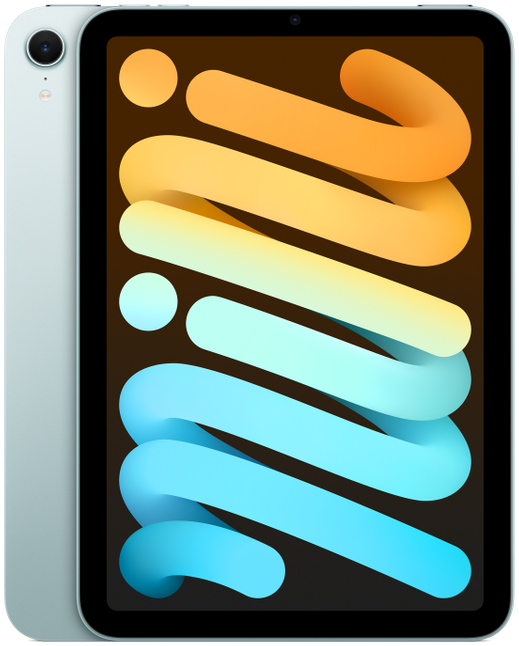
iPad mini A17 Pro
View the full specifications, dimensions, pricing, and related models.
Camera
Camera feedback is secondary for most mini owners, centered on occasional document scanning, video calls, and quick snapshots rather than creative photography. The 12 MP rear wide and 12 MP landscape front camera are described as adequate for FaceTime, Zoom, and scanning paperwork, with no expectation of iPhone-level quality.
The landscape-oriented front camera suits horizontal video calls when the mini is propped on a stand or held in two hands. Desk-mounted calls with the device flat receive mixed framing reports; owners who video call frequently from a keyboard case sometimes prefer larger iPads with more stable propping angles.
Battery and charging
Typical daily reports align around comfortable endurance for reading, browsing, and note-taking routines. Apple’s rated ten-hour video playback matches owner expectations for mixed couch and travel days; heavy gaming, brightness-outdoors reading, and cellular hotspot use more commonly lead to an evening charge.
Standby drain in a bag between weekend uses is described as modest, contributing to the mini’s role as a grab-and-go device that does not require daily charging for light owners. Students and readers who use the mini intermittently alongside a phone often report multi-day standby with partial active use.
Performance
App launching, Pencil latency, and light multitasking are often described as fast on the A17 Pro with 8 GB of RAM. Owners upgrading from the prior mini generation report the largest perceived speed gains, while those coming from iPad Air M-series hardware describe performance as more than adequate rather than class-leading.
Gaming feedback is positive for mainstream titles and Apple Arcade, with the compact screen feeling immersive for handheld play. Sustained sessions can warm the device, though lap-supported play reduces discomfort compared with phone gaming grips.
Handling and portability
At 134.8 mm wide and 293 g, the iPad mini is the most one-hand-friendly current iPad in owner discussions. Portrait reading with a thumb hooked along the bottom edge or a light palm grip along the spine is described as comfortable for 20–40 minute sessions, a pattern rarely reported on 11-inch or larger tablets without case props.
Landscape one-handed use is limited to brief media glances or quick scrolling; sustained landscape holding shifts to two hands or a surface for nearly everyone. Owners praise the mini as the only iPad they can read in bed while lying on their side without wrist strain comparable to larger models.
Case choice materially affects grip confidence. Thin shells preserve the handheld advantage; folio covers with heavy front panels or keyboard attachments shift the balance toward table use. Right-handed Pencil users often describe passing the device between hands less often than on 10.9-inch iPads because the canvas stays within comfortable reach.
Build quality
The aluminum unibody, flat sides, and color finishes produce a device that feels premium and rigid in owner reports. Buttons maintain precise travel; the USB-C port and Pencil attachment area receive few durability complaints in the first year.
Thick bezels and an unchanged chassis design generate aesthetic criticism without widespread functional failure reports. Owners describe the mini as looking dated next to slim-bezel iPad Pro hardware while acknowledging that the border width aids palm rejection during handheld reading.
Similar size devices

This summary is based on recurring reports from public discussions.