iPad Air 11 M2 User Experience



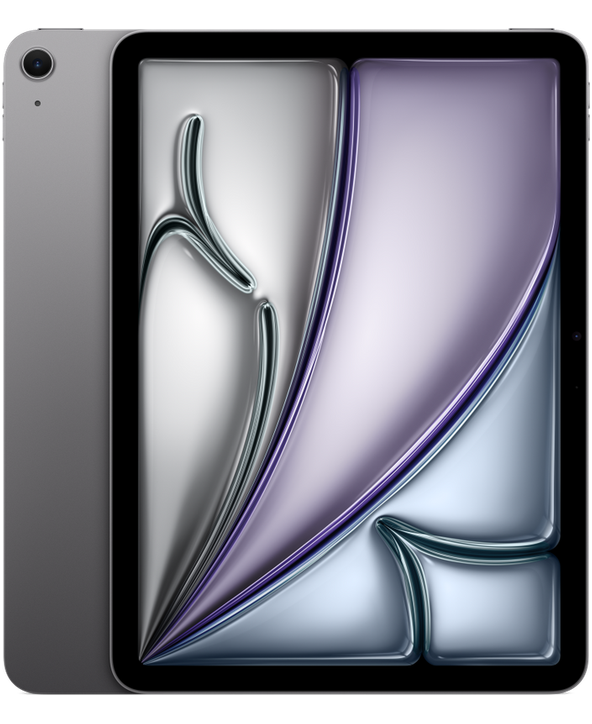
Sizometry Verdict
Editorial scores based on recurring themes across professional reviews, hands-on testing, and expert analysis.
Overall user experience
8.0
out of 10
A balanced 11-inch tablet that earns praise as Apple's value sweet spot — M2 power and Pencil Pro support in a portable size — while 60Hz LCD, older Magic Keyboard support, and iPadOS ceilings define its limits.
Category scores
Camera
6.5
Adequate for scanning and video calls, with creative photography clearly secondary to phones and Pro workflows.
Battery and charging
8.0
Reliable all-day mixed use for many owners, though the 13-inch Air lasts longer in marathon unplugged sessions.
Performance
8.5
Fast routine use with occasional warmth under sustained load.
Handling and portability
8.0
Manageable daily carry with familiar reach and pocket trade-offs for the size class.
Build quality
8.0
Premium aluminum feel and dependable Touch ID, with accessory-generation limits as the main long-term caveat.
Value
8.0
Balanced capability for the price with deliberate omissions versus higher tiers.
Strengths
- M2 performance at a strong mid-tier price
- Comfortable 11-inch handheld and reading size
- Full Apple Pencil Pro feature support
- Fast Touch ID and light daily carry
Weaknesses
- 60Hz LCD versus 120Hz Pro displays
- Older Magic Keyboard only — no Pro keyboard option
- iPadOS workflow limits for laptop replacement
- Shorter battery than 13-inch Air sibling
Best for
- Students and creatives seeking value-focused M2 power
- Handheld readers and Pencil note-takers at 11 inches
- Upgraders from base iPad or older Air models
Less suitable for
- Buyers wanting ProMotion and newest Pro keyboard
- Heavy macOS-style productivity users
- Maximum screen and battery without size trade-offs
Upgrade recommendation
Current device: Base iPad or iPad 10th generation
Recommendation: Strongly recommendedNotes: M2 speed, Pencil Pro support, and modern multitasking address clear generational gaps.
Current device: iPad Air M1 generation
Recommendation: Worth consideringNotes: Meaningful performance and Pencil Pro gains, though less dramatic if current workflows already feel fast.
Current device: iPad Pro M4 owners
Recommendation: Probably unnecessaryNotes: Downgrades display, Face ID, and keyboard options unless cost and weight override those features.
Current device: Choosing between 11-inch and 13-inch Air
Recommendation: Depends on prioritiesNotes: 11-inch wins handheld comfort and bag weight; 13-inch wins screen area and battery for desk-style use.
Current device: MacBook Air shoppers with keyboard bundle
Recommendation: Depends on prioritiesNotes: Totals often approach MacBook pricing while remaining on iPadOS — strong for notes, weaker for desktop apps.
Bottom line
The iPad Air 11 M2 earns its reputation as the lineup's practical sweet spot: fast M2 silicon, Apple Pencil Pro compatibility, and a size that still works handheld for reading and notes. The compromises are well understood in buyer discussions — a 60Hz LCD, no latest Pro Magic Keyboard, Touch ID instead of Face ID, and iPadOS boundaries on true laptop replacement. Shoppers who want maximum portability and value within the Air tier get the clearest case here; those prioritizing screen size, battery, or 120Hz displays should compare the 13-inch Air or iPad Pro before buying.
See its real size next to another phone or tablet.
Open size comparisonOverview
In reviews, the 11-inch iPad Air with M2 is is often seen as as Apple's most balanced tablet for buyers who want Pro-adjacent speed without Pro pricing. reports frame it as a value sweet spot in the lineup — faster and more capable than the base iPad, lighter and less expensive than iPad Pro — with sentiment shaped by how much individuals expect iPadOS to behave like macOS.
This summary focuses on daily handling, endurance, camera limits, and who the device suits best — not benchmark rankings.
Daily use
In daily use, the 11-inch iPad Air M2 is often described as quick and unhurried. App launches, Safari tab reloads, split-view switching, and Apple Pencil input benefit from M2 throughput paired with 8GB of RAM. Owners rarely report meaningful lag in typical student, creative, or couch-browsing workloads, and handoffs between note-taking, PDF markup, and streaming feel smooth rather than remarkable.
The 11-inch Liquid Retina display at 2360 × 1640 resolution delivers crisp text and reliable color for documents, comics, and photo review. Peak brightness suits indoor and shaded outdoor use, though direct-sun legibility trails Pro OLED panels in recurring comparisons. Where daily friction appears, it clusters around 60Hz scroll feel when owners alternate between this tablet and high-refresh phones.
iPadOS 18 receives credit for improved multitasking and widget flexibility in accounts, while still prompting complaints about Stage Manager limits, external-display behavior, and niche professional workflows that macOS handles more predictably. The gap between hardware capability and software flexibility is among the most repeated long-term themes for Air owners attempting desktop-style productivity.

iPad Air 11 M2
View the full specifications, dimensions, pricing, and related models.
Camera
Camera feedback on iPad Air models centers on utility rather than photographic ambition. The 12MP rear wide camera is repeatedly described as adequate for document scanning, whiteboard capture, and quick reference photos, with Center Stage on the landscape front camera praised for follow-me video calls when the tablet is propped on a desk.
Owners rarely purchase the Air for camera quality, and low-light performance is commonly noted as behind iPhone standards. For classroom, kitchen, and workshop snapshots, results are described as good enough; for creative photography, users redirect to phones or dedicated cameras.
Battery and charging
Typical daily reports align around comfortable all-day endurance for mixed study and media use on the 11-inch model. Moderate routines — notes, browsing, streaming, light editing — often finish with meaningful charge remaining; prolonged Pencil drawing, gaming, or outdoor brightness pushes some owners toward evening top-ups.
Within the Air family, the 11-inch unit trails the 13-inch sibling for maximum runtime in recurring comparisons, though many owners describe the difference as modest rather than decisive for their habits. The efficiency narrative still favors Air over older base iPads and some Pro configurations running brighter displays.
Performance
App launching, Lightroom edits, Procreate layers, and Safari-heavy research are often described as fast on M2. The 8GB RAM configuration handles current iPadOS multitasking without the swap anxiety owners of older 4GB iPads remember, though extremely large Procreate files or dozens of browser tabs still prompt occasional reloads in niche workflows.
Gaming feedback is positive for Apple Arcade and mainstream titles, with M2 headroom exceeding what the 60Hz display can showcase. Sustained loads warm the aluminum chassis mildly in some accounts, rarely enough to throttle routine creative work.
Handling and portability
At 178.5 mm wide, 247.6 mm tall, and 462 g, the 11-inch iPad Air M2 is among the more manageable current iPads for handheld reading and couch browsing. Owners describe comfortable one-hand gripping along the bezel for short sessions, with the other hand used for scrolling or Pencil work when sketching on the go.
Compared with the 13-inch Air and larger Pro models, the 11-inch footprint allows thumb reach across more of the display when cradled in one palm — a detail frequently cited by commuters and bedside readers who found bigger tablets tiring. The slim 6.1 mm profile and evenly distributed weight reduce wrist strain during 20–30 minute vertical reading compared with heavier 13-inch alternatives.
One-handed typing on the glass keyboard remains impractical for most users at this size, as expected for tablets. Quick notification checks, single-thumb scrolling in portrait, and brief annotation with Apple Pencil Pro are described as feasible; sustained productivity still shifts to lap, desk, or keyboard folio positions.
Build quality
The aluminum unibody, color-matched finishes, and precise button feel combine into a device owners describe as premium without Pro-tier delicacy. Touch ID integration in the power button maintains a clean front face without Face ID sensors, which aesthetic minimalists mention favorably.
Display durability follows familiar tablet patterns: owners report surviving backpack use with screen protectors and cases, though bent-frame caution appears in threads about thin bags and pressure points. Apple Pencil Pro magnetic attachment on the long edge is described as secure for daily carry when paired with compatible cases.
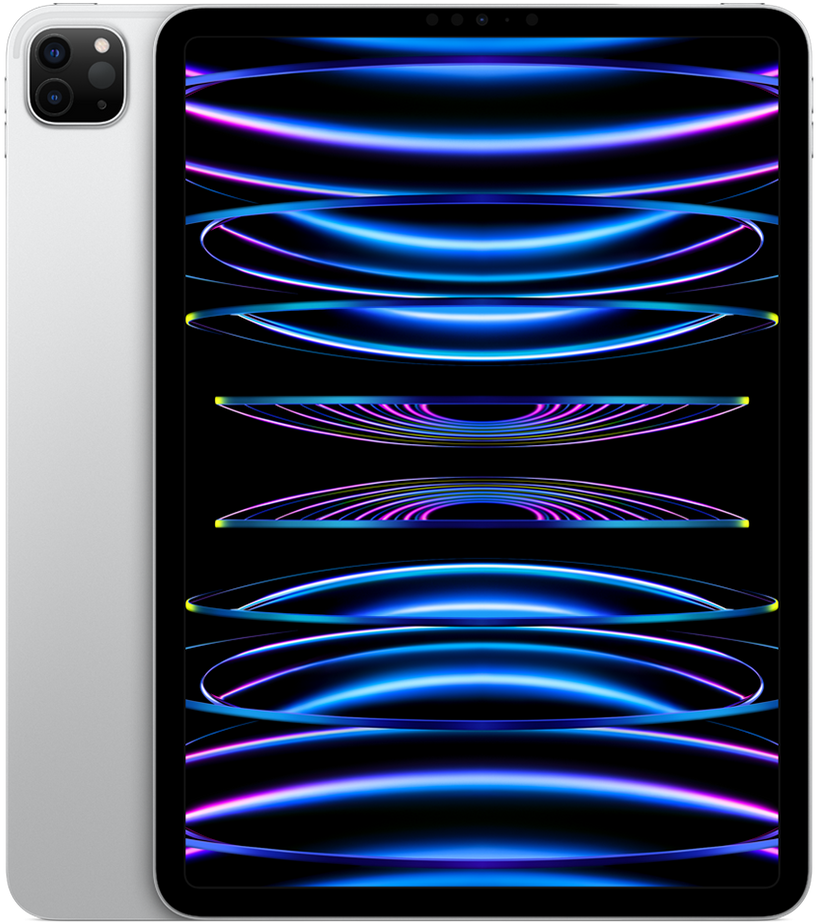
Similar size devices


This summary is based on recurring reports from public discussions.