Galaxy Tab S10 Ultra User Experience
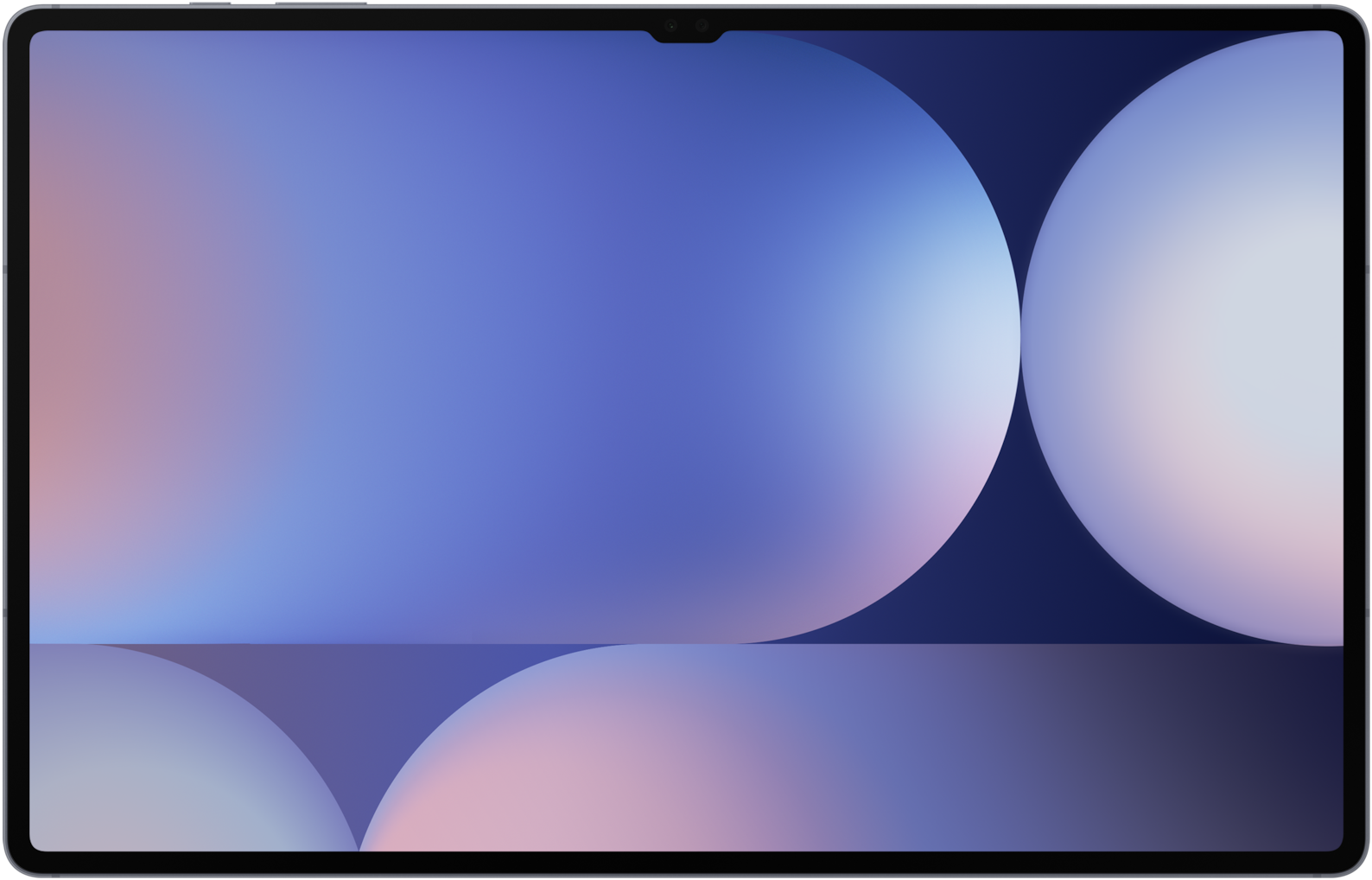
Sizometry Verdict
Editorial scores based on recurring themes across professional reviews, hands-on testing, and expert analysis.
Overall user experience
8.5
out of 10
Samsung's most compelling large Android canvas, led by an anti-reflective 14.6-inch AMOLED and mature S Pen plus DeX workflows, held back in public sentiment mainly by handheld awkwardness, accessory pricing, and incremental gains for Tab S9 Ultra owners.
Category scores
Camera
6.0
Adequate scanning and video-call cameras for tablet utility, with no ambition to compete with phone imaging systems.
Battery and charging
8.5
11,200 mAh cell delivers strong eight-to-thirteen-hour mixed-use reports for a panel this large, with faster drain under DeX hub workloads.
Performance
8.0
Dimensity 9300+ handles demanding multitasking smoothly, with warmth during long gaming or export sessions rather than widespread throttling anxiety.
Handling and portability
4.5
718 g and 14.6-inch width make sustained one-handed portrait use impractical compared with Tab S10+ and smaller slates.
Build quality
8.5
IP68 aluminum craftsmanship and anti-reflective OLED stack admired widely, with careful coating and case choices advised.
Value
8.5
Competitive feature set and positioning for the price tier.
Strengths
- Anti-reflective 14.6-inch AMOLED display leadership
- Included S Pen with excellent Samsung Notes integration
- DeX and One UI multitasking on a giant canvas
- Strong battery, IP68, microSD, and seven-year update promise
Weaknesses
- Too heavy for comfortable handheld-only use
- Expensive keyboard ecosystem for laptop-style work
- Incremental upgrade path from Tab S9 Ultra
- Android app scaling gaps on ultra-wide layouts
Best for
- Large-screen Samsung buyers prioritizing anti-reflective OLED
- S Pen power users and DeX multitaskers
- Upgraders from Tab S7 or S8 era hardware
- Couch cinema and long reading sessions with stand support
Less suitable for
- Handheld-first buyers who should consider Tab S10+
- Tab S9 Ultra owners seeking must-upgrade gains
- Minimalist bag travelers
- Shoppers avoiding keyboard cover costs
Upgrade recommendation
Current device: Galaxy Tab S7, S8, or older Ultra
Recommendation: Strongly recommendedNotes: Anti-reflective OLED, Dimensity 9300+, IP68, and extended updates address the clearest pain points of earlier generations.
Current device: Galaxy Tab S9 Ultra
Recommendation: Worth consideringNotes: Meaningful display coating and chipset gains for glare-sensitive users; optional for satisfied S9 Ultra owners.
Current device: Galaxy Tab S10+
Recommendation: Depends on prioritiesNotes: Step up when 14.6-inch workspace and anti-reflective glass matter more than handheld comfort and bag weight.
Current device: iPad Pro 13-inch
Recommendation: Depends on prioritiesNotes: Strong for DeX, S Pen notes, and microSD; weigh Android app scaling against iPadOS creative app depth.
Current device: First large Samsung tablet
Recommendation: Worth consideringNotes: Excellent if desk, couch, and keyboard workflows are planned from day one; reconsider if handheld use was the main goal.
Bottom line
The Galaxy Tab S10 Ultra earns enthusiasm as Samsung's best large-format Android studio — an anti-reflective OLED panel and S Pen ecosystem that make reading, markup, and DeX multitasking feel class-leading at this size. Its 14.6-inch canvas and 718 g mass demand keyboard, stand, or two-hand respect rather than phone-like grabbing, which is why public sentiment so often splits buyers toward the Tab S10+ for handheld comfort. Accessory pricing and modest generational jumps from Tab S9 Ultra temper upgrade urgency, but newcomers from older Tab S hardware or glossy large tablets frequently describe the display alone as worth the trade-offs. Choose Ultra when maximum screen and glare-fighting glass define your work; choose Plus when the same generation features must fit a lighter daily carry.
See its real size next to another phone or tablet.
Open size comparisonOverview
Across professional reviews and long-term owner discussions, the Galaxy Tab S10 Ultra is widely regarded as Samsung's most ambitious Android tablet canvas — a device whose daily appeal is dominated by display quality, multitasking scale, and included S Pen workflows rather than pocketable convenience. Recurring reports frame it as a mobile studio and couch cinema panel that excels when desk, lap, or keyboard support is available, with sentiment shaped heavily by whether buyers need the largest possible screen or would be happier on the smaller Tab S10+.
The anti-reflective Dynamic AMOLED 2X panel at 14.6 inches is the headline experience in public discourse. Owners consistently praise deep contrast, vivid HDR playback, and outdoor readability that feels meaningfully ahead of glossy tablet rivals — a coating advantage that office workers, travelers, and artists under ceiling lights celebrate as a genuine daily comfort.
Daily use
In daily use, the Tab S10 Ultra is consistently described as fast, immersive, and best experienced as a primary screen rather than a casual grab-and-go slate. App launches, multi-window browsing, Samsung Notes sessions, and video playback benefit from the Dimensity 9300+ platform paired with generous RAM in typical configurations. Owners rarely report routine lag when switching among Chrome, Notes, streaming apps, and office suites in split view — though some note that not every Android app exploits the full 14.6-inch width gracefully.
DeX mode is a defining daily strength for productivity-minded owners. Connecting to a monitor or using on-device desktop layouts makes email, spreadsheets, research tabs, and presentation polish feel laptop-adjacent without abandoning touch and S Pen markup. Mobile Chrome and niche Android app gaps still cap some workflows, but the recurring sentiment is that Samsung's multitasking stack on this size finally justifies the Ultra name for buyers who live in browsers and documents.
Media consumption is a standout couch and bedside strength. HDR films, comics, sheet music, and PDF review benefit from OLED contrast and sheer area. Speakers are described as loud and clear enough for solo viewing without headphones, though serious listeners still prefer external audio for long sessions. The anti-reflective coating makes daytime sofa browsing less fatiguing than glossy large tablets owners migrated from.
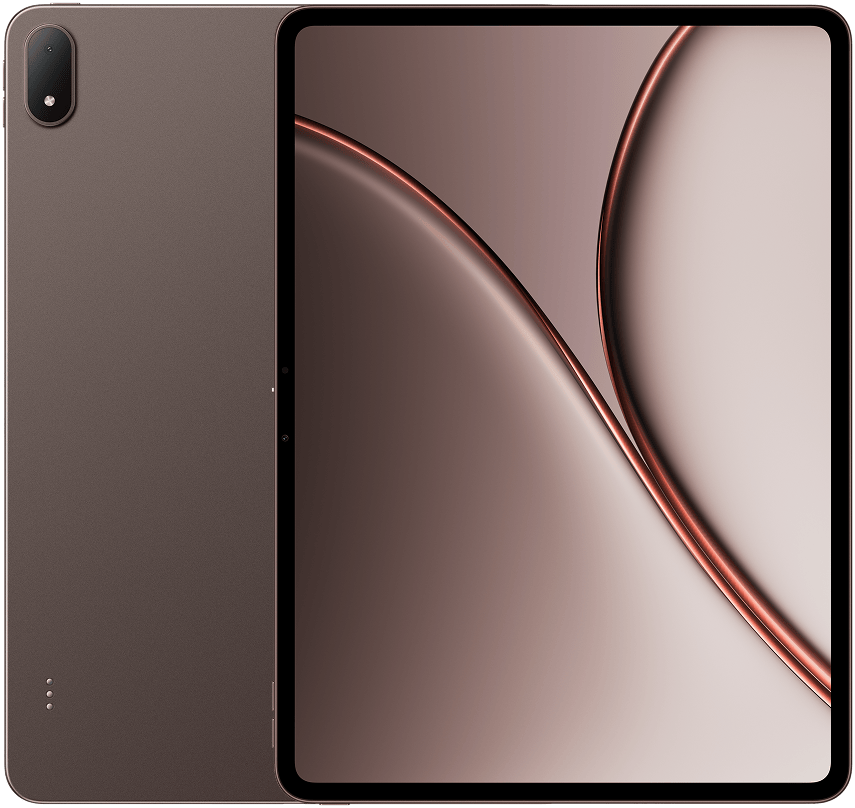
Galaxy Tab S10 Ultra
View the full specifications, dimensions, pricing, and related models.
Camera
Camera feedback on the Tab S10 Ultra remains secondary to display and productivity strengths, following the pattern of large pro tablets across brands. Dual rear sensors and ultrawide utility are described as adequate for document scanning, quick reference photos, and occasional location capture rather than creative photography ambitions.
Landscape-oriented front cameras and video-call placement earn positive mentions for desk-based and kitchen-counter meetings where the large screen doubles as a conferencing monitor. Image quality in good light is regarded as clear and natural for professional calls; low-light noise is noted but rarely cited as a purchase dealbreaker for tablet-first buyers.
Battery and charging
Typical daily reports align around strong endurance for a 14.6-inch OLED panel thanks to the 11,200 mAh cell. Mixed routines — reading, Notes, browsing, video calls, and moderate multitasking — often land in the eight-to-ten-hour real-world band owners describe as comfortable for workdays and travel legs, with lighter couch-only days stretching toward twelve or thirteen hours when brightness stays moderate.
Heavy DeX hub use, outdoor peak brightness, simultaneous split-screen video, and long S Pen sessions with high refresh more commonly pull owners toward an evening top-up rather than multi-day unplugged confidence. Compared with smaller tablets, the large panel draws expected power; compared with prior Tab S Ultra generations, many upgraders describe incremental rather than revolutionary runtime gains.
Performance
App launching, multi-window Chrome, layered Samsung Notes pages, and 4K streaming are consistently described as fast on the Dimensity 9300+ platform. Owners upgrading from Tab S7, S8, or older Ultra models notice snappier interface response and smoother high-refresh scrolling; Tab S9 Ultra owners more often describe performance as familiar rather than transformative.
Sustained workloads tell a more nuanced story. Long DeX sessions, gaming at high settings, and extended video export can warm the thin aluminum chassis. Throttling anxiety appears less often than simple warmth awareness in owner accounts — enough to notice on a lap, rarely enough to abandon tasks. Creative pros running browser-heavy and office stacks report years of headroom; gamers and emulators push harder and notice heat sooner.
Handling and portability
At 208.6 mm wide, 326.4 mm tall, and 718 g, the Galaxy Tab S10 Ultra is not a one-handed tablet in any realistic sense — and owners rarely pretend otherwise. Brief portrait carries between rooms are possible for short distances, but sustained single-hand interaction is limited to quick glances, page flips, or resting the slate partially against a forearm while standing.
Portrait one-handed use is most realistic for passive reading when the user accepts constant grip shifts and never expects thumb reach across the full width. The 14.6-inch span far exceeds comfortable thumb coverage for nearly all hand sizes; reaching notification controls, corner targets, or on-screen keyboards still demands two hands or a surface. Compared with the Tab S10+ at 571 g and 12.4 inches, the Ultra feels materially more awkward for handheld-only moments — a comparison that appears constantly in sizing debates.
The Tab S10 Ultra does not belong in clothing pockets, and owners never expect otherwise. Portability instead means dedicated backpack compartments, rolling carry-on totes, and large messenger bags — a bag-and-travel device rather than a jacket-sling tablet. Recurring carry reports describe it as viable for commuters who already haul a laptop-sized bag but unrealistic for minimalist sling-free days.
Build quality
The aluminum unibody, IP68 rating, and anti-reflective OLED front stack combine into a product that feels precision-engineered and travel-durable in owner hands. Fit and finish receive steady praise, with tight tolerances and a premium tactile finish that survives careful daily commuting better than glossy all-plastic alternatives in the mid-range tier.
S Pen magnetic alignment and charging along the long edge earn positive mentions for reliability, though placement preferences divide owners who liked rear charging on older models. Book Cover Keyboard hinges and key feel are described as improved but costly — sturdy enough for desk and moderate lap use when buyers invest in the trackpad variant.
Considering another Galaxy Tab S10 model?
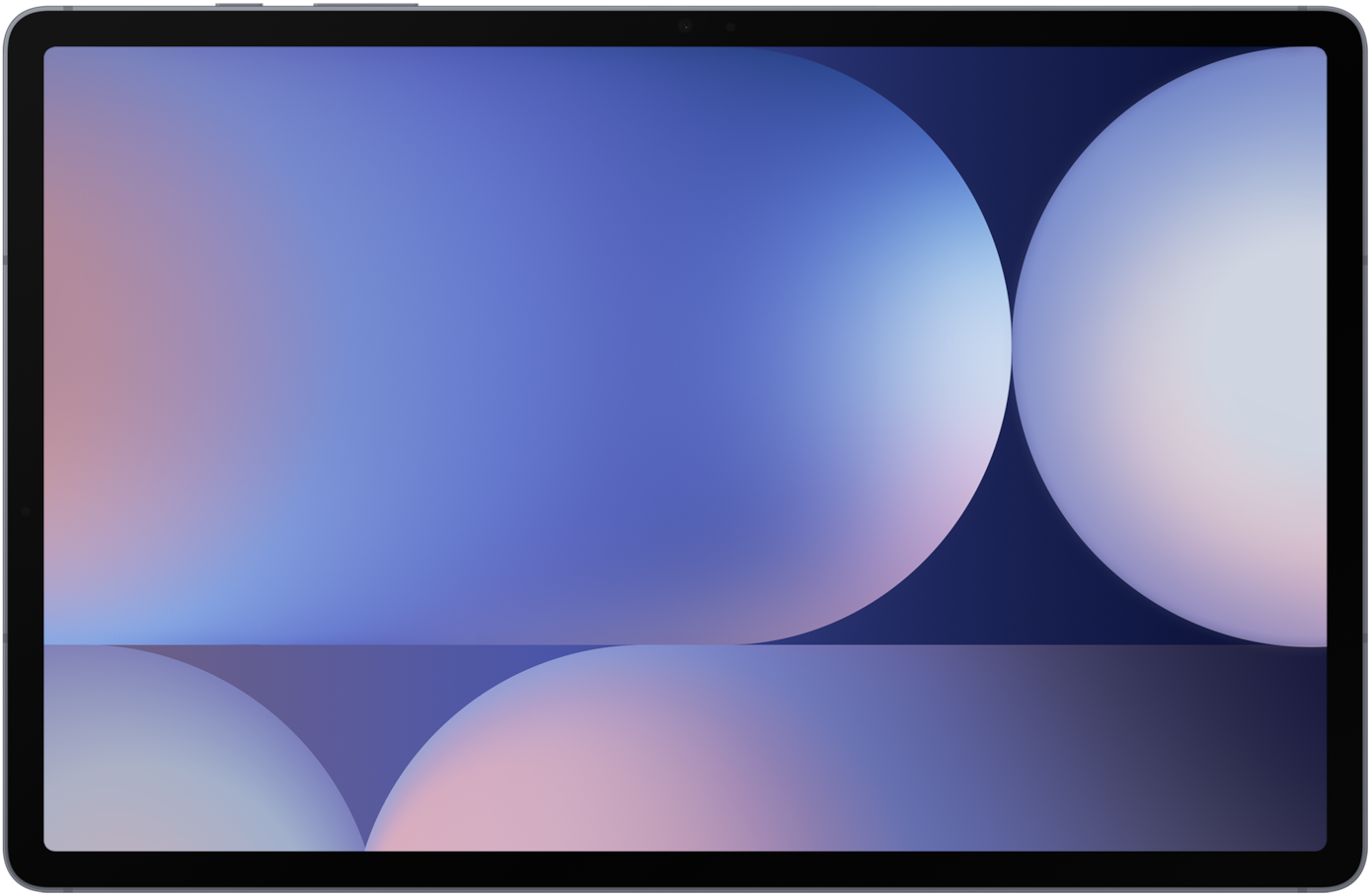
Similar size devices
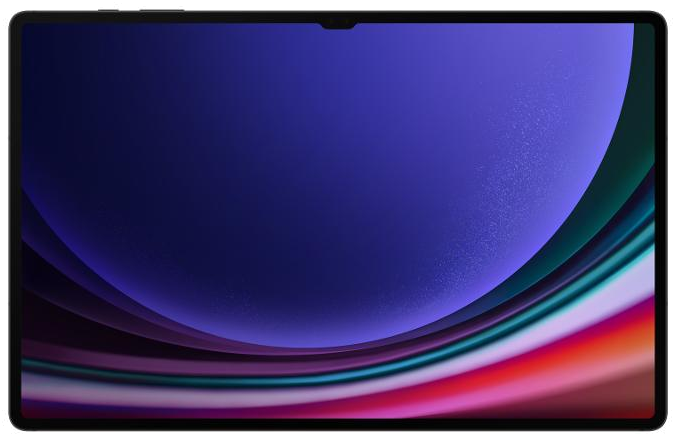
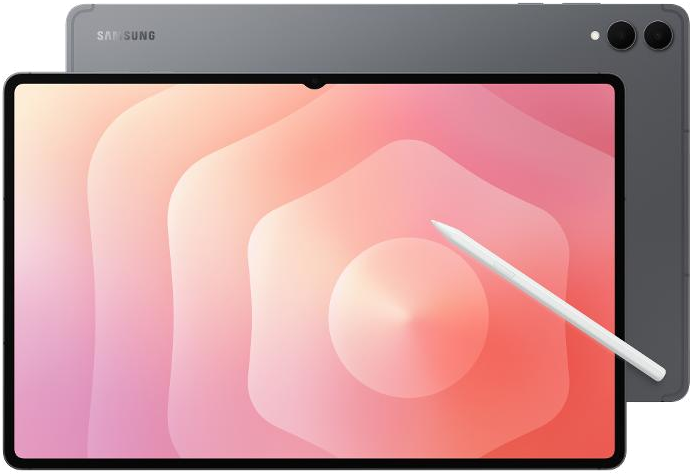
This summary is based on recurring reports from public discussions.