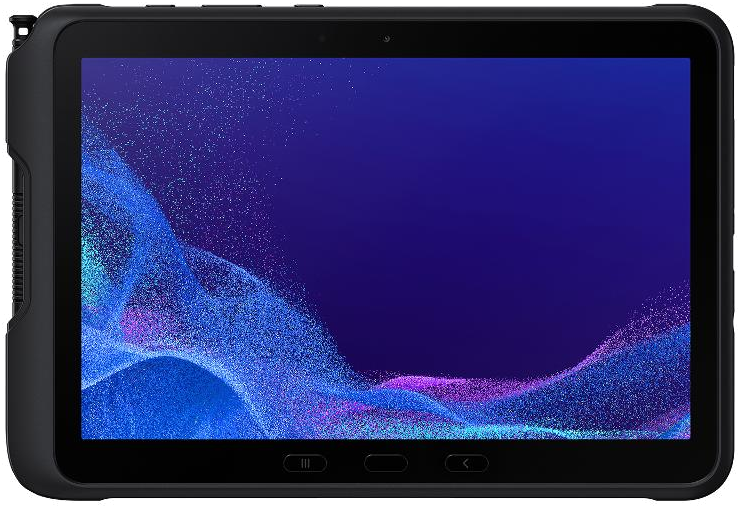
Galaxy Tab Active5 Pro User Experience
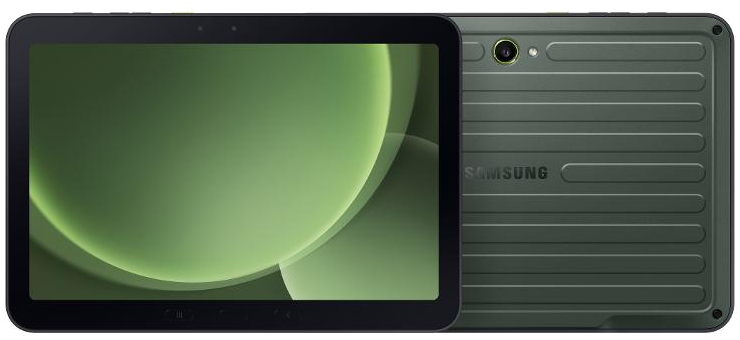
Sizometry Verdict
Editorial scores based on recurring themes across professional reviews, hands-on testing, and expert analysis.
Overall user experience
7.5
out of 10
A larger, heavier rugged field tablet than the compact Active5, trading portability for a genuinely useful diagramming and forms canvas, dual hot-swappable batteries, a glove-friendly flicker-free 120Hz display, and eight years of promised updates — held back by slow 15W charging, significant weight, and premium enterprise pricing.
Category scores
Camera
6.5
Adequate inspection and documentation capture for field compliance without photographic ambition.
Battery and charging
9.0
Dual hot-swappable packs and No Battery Mode kiosk support are defining enterprise strengths.
Performance
6.5
Dependable for line-of-business Android and frontline DeX; modest headroom versus consumer flagships.
Handling and portability
6.0
680 g and 10.2 mm are noticeably bulkier than the compact Active5; two-handed or harness carry is typical.
Build quality
9.0
IP68 and MIL-STD-810H sealing with a serviceable battery door — true rugged enterprise tool.
Value
7.0
Premium enterprise pricing justified for fleets needing a rugged canvas and long update support.
Strengths
- IP68 and MIL-STD-810H rugged reliability for demanding field environments
- Dual hot-swappable batteries with No Battery Mode kiosk flexibility
- Larger canvas than the compact Active5 for diagrams and multi-field forms, plus an included S Pen case
Weaknesses
- Heavier and bulkier than the compact Active5 at 680 g and 10.2 mm
- Fifteen-watt charging is slow for an enterprise-tier device
- Premium rugged pricing above consumer Galaxy Tab expectations
Best for
- Field technicians needing a bigger rugged diagramming canvas
- Enterprise fleets with dual-battery and Knox requirements
- Gloved outdoor work needing bright, flicker-free displays
- IT departments valuing eight-year update promises
Less suitable for
- Buyers wanting the compact Active5's lighter belt-clip portability
- Consumer media, streaming, or gaming buyers
- Anyone expecting fast wired charging
- Casual buyers unwilling to pay enterprise rugged pricing
Upgrade recommendation
Current device: New rugged fleet deployment needing a bigger canvas
Recommendation: Strongly recommendedNotes: Dual-battery endurance, IP68 sealing, and the included S Pen case directly address field forms and diagramming requirements.
Current device: Standard Galaxy Tab Active5 owners satisfied with compact size
Recommendation: Probably unnecessaryNotes: The Pro trades portability for screen area without a fundamentally different chip generation.
Current device: Consumer Galaxy Tab S10 FE or S11 cross-shoppers
Recommendation: Probably unnecessaryNotes: The Active5 Pro is not built for entertainment or study workloads.
Current device: Fleets on non-Samsung rugged tablets
Recommendation: Depends on prioritiesNotes: Evaluate the eight-year update promise and Knox ecosystem alongside canvas size before migrating.
Bottom line
The Galaxy Tab Active5 Pro earns respect as Samsung's larger rugged field tool — IP68 and MIL-STD-810H sealing, a glove-friendly flicker-free 120Hz 10.1-inch display, dual hot-swappable batteries, and an included S Pen case in a 680 g body built for diagrams and forms the compact Active5 cannot comfortably handle. It is not a consumer tablet: slow 15W charging, significant weight, and premium enterprise pricing disappoint shoppers seeking sofa media polish. Buy it for enterprise field workflows needing a bigger canvas and hot-swap endurance — not for gaming, streaming, or budget rugged use where the standard Active5 remains the lighter, cheaper choice.
See its real size next to another phone or tablet.
Open size comparisonOverview
Across recurring enterprise and field-operations reports, the Galaxy Tab Active5 Pro is widely regarded as Samsung's larger rugged work tablet — a ten-point-one-inch slab built for technicians, inspectors, and frontline crews who need a bigger diagramming and forms canvas than the compact eight-inch Active5 provides. Recurring sentiment frames it as heavy-duty enterprise tooling with IP68 sealing and MIL-STD-810H tolerance, with purchase logic shaped by fleet contracts, dual-battery serviceability, and eight years of promised software support rather than thinness or media polish.
The most repeated praise centers on field durability paired with genuine productivity upgrades over the standard Active5. Owners highlight IP68 water and dust resistance, MIL-STD-810H drop and vibration tolerance, dual hot-swappable battery packs totaling roughly ten-thousand-one-hundred milliamp-hours, a bright 120Hz glove-friendly panel free of PWM flicker complaints, and an included case with a dedicated S Pen slot. At 170.2 mm wide, 242.9 mm tall, 10.2 mm thick, and 680 g, the tablet is described as a substantial field device — meaningfully larger and heavier than the compact Active5, trading pocket-and-holster convenience for genuine diagram and form real estate.
Daily use
In daily field use, the Galaxy Tab Active5 Pro is consistently described as dependable for line-of-business Android apps: work-order markup with the included S Pen on a larger canvas than the standard Active5, barcode and camera-assisted inspections, gloved navigation through bright outdoor UI themes, and Samsung Knox-managed enterprise deployments. Typical frontline multitasking — forms beside camera capture, DeX on a vehicle dock for documentation — runs acceptably for the enterprise-class chipset.
The ten-point-one-inch 120Hz panel earns consistent praise for glove-friendly touch response and sunlight legibility without the PWM flicker owners associate with eye strain on some rugged rivals. High refresh helps scrolling through long checklists and PDF manuals in bright yards, and the larger canvas versus the compact Active5 is repeatedly cited as the deciding factor for teams doing detailed diagram markup or multi-field forms.
One UI with Knox and DeX receives credit for enterprise manageability — remote wipe, kiosk profiles, and optional desktop layouts for docked vehicle or desk workflows. Friction includes fifteen-watt charging that feels slow relative to the tablet's enterprise price tier, and DeX sessions that feel adequate for forms and documentation rather than creative workstations.
Galaxy Tab Active5 Pro
View the full specifications, dimensions, pricing, and related models.
Camera
Camera feedback centers on inspection utility rather than photography. Rear sensors handle barcode-assisted capture, equipment photo documentation, and site condition records on a larger, steadier frame than the compact Active5 — workloads field supervisors routinely assign to rugged tablets of this size.
Owners do not buy the Active5 Pro for imaging artistry; low light and dynamic range trail modern phones. Warehouse and jobsite photos land as good enough for compliance records and work-order attachments, which covers the actual demand for cameras on this device.
Battery and charging
Typical field shifts end with comfortable reserve thanks to dual hot-swappable battery packs totaling roughly ten-thousand-one-hundred milliamp-hours — the same packs used in the standard Active5 — letting technicians swap a depleted cell for a charged spare without powering down. Double-shift crews describe finishing entire days without charging closets when carrying spare packs.
Fifteen-watt wired charging is slow relative to the tablet's enterprise price tier, but wired speed is secondary to swap workflows in most deployments. Wall-powered kiosk and vehicle installs use No Battery Mode over USB-C where IT configures fixed terminals, a pattern field integrators cite as decisive even though casual buyers rarely need it.
Performance
Line-of-business app launches, Samsung Notes ink with the dedicated S Pen, and gloved UI navigation feel dependable for Active5 Pro expectations — adequate for inspection, logistics, and Knox-managed workflows without consumer flagship headroom, consistent with the enterprise-class chipset tier used across the Active5 family.
Multitasking pairs — camera beside forms, DeX with two resizable business apps — resume reliably for frontline patterns until owners load consumer entertainment or heavy 3D tools inappropriate for rugged-class silicon. Performance is described as solid and predictable rather than fast.
Handling and portability
At 170.2 mm wide, 242.9 mm tall, 10.2 mm thick, and 680 g, the Galaxy Tab Active5 Pro is noticeably heavier and larger than the compact Active5, and owners consistently describe it as a two-handed or harness-mounted device rather than a one-hand belt-clip tablet for extended carry.
Short one-handed tasks — glancing at a work order, tapping through a checklist, or jotting a quick S Pen note — remain manageable thanks to grippy rugged edges and a textured back, but sustained one-handed holding tires the wrist faster than the lighter Active5 or consumer Galaxy tablets of similar screen size.
Field teams most often pair the Active5 Pro with a shoulder strap, vehicle mount, or the included case's hand strap rather than carrying it bare in one hand for a full shift — a deliberate tradeoff owners accept in exchange for the larger diagramming canvas and dual-battery endurance.
Build quality
IP68 and MIL-STD-810H define the Active5 Pro build story — recurring praise for survival on concrete drops, rain-soaked yards, and vibrating machinery environments where consumer Galaxy tablets fail quickly. Physical buttons that work reliably with gloves and a replaceable-battery door add serviceability that field IT departments value over sealed consumer designs.
At 680 g with rugged bumpers and a 10.2 mm profile, the chassis is unmistakably built for abuse rather than elegance. The included case with an S Pen slot adds further protection at the cost of additional bulk — a tradeoff enterprise buyers accept deliberately, unlike consumer shoppers who would find the weight and thickness excessive.
Similar size devices
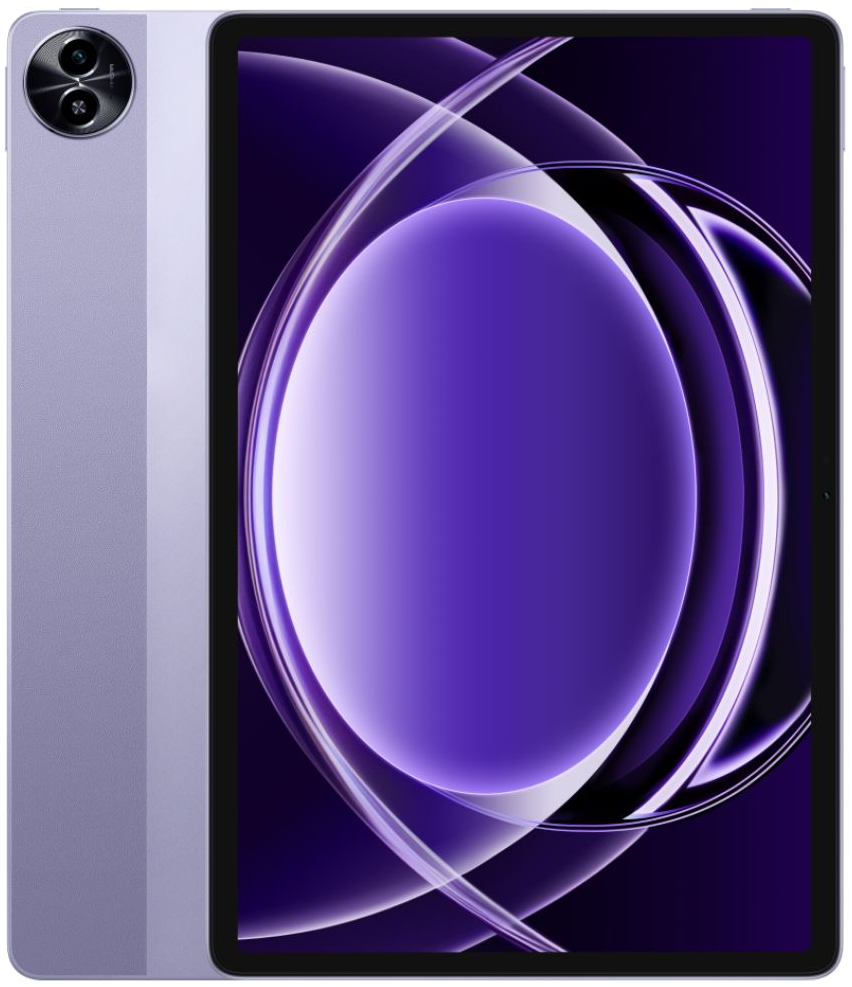
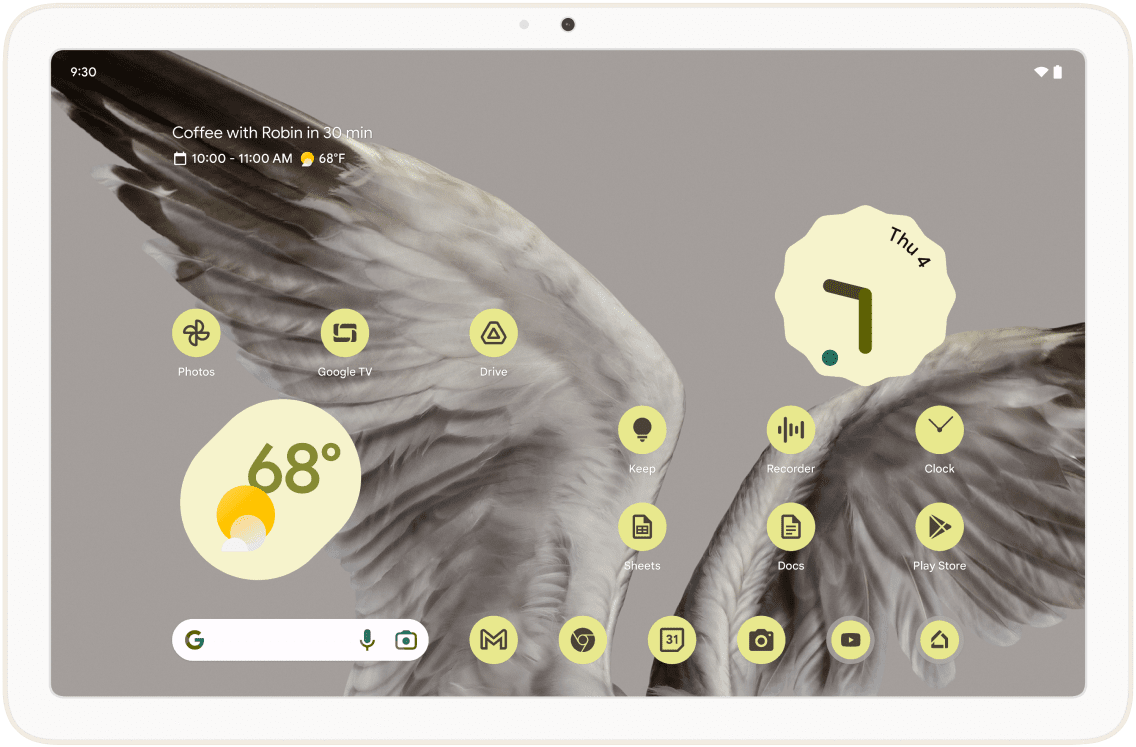
This summary is based on recurring reports from public discussions.